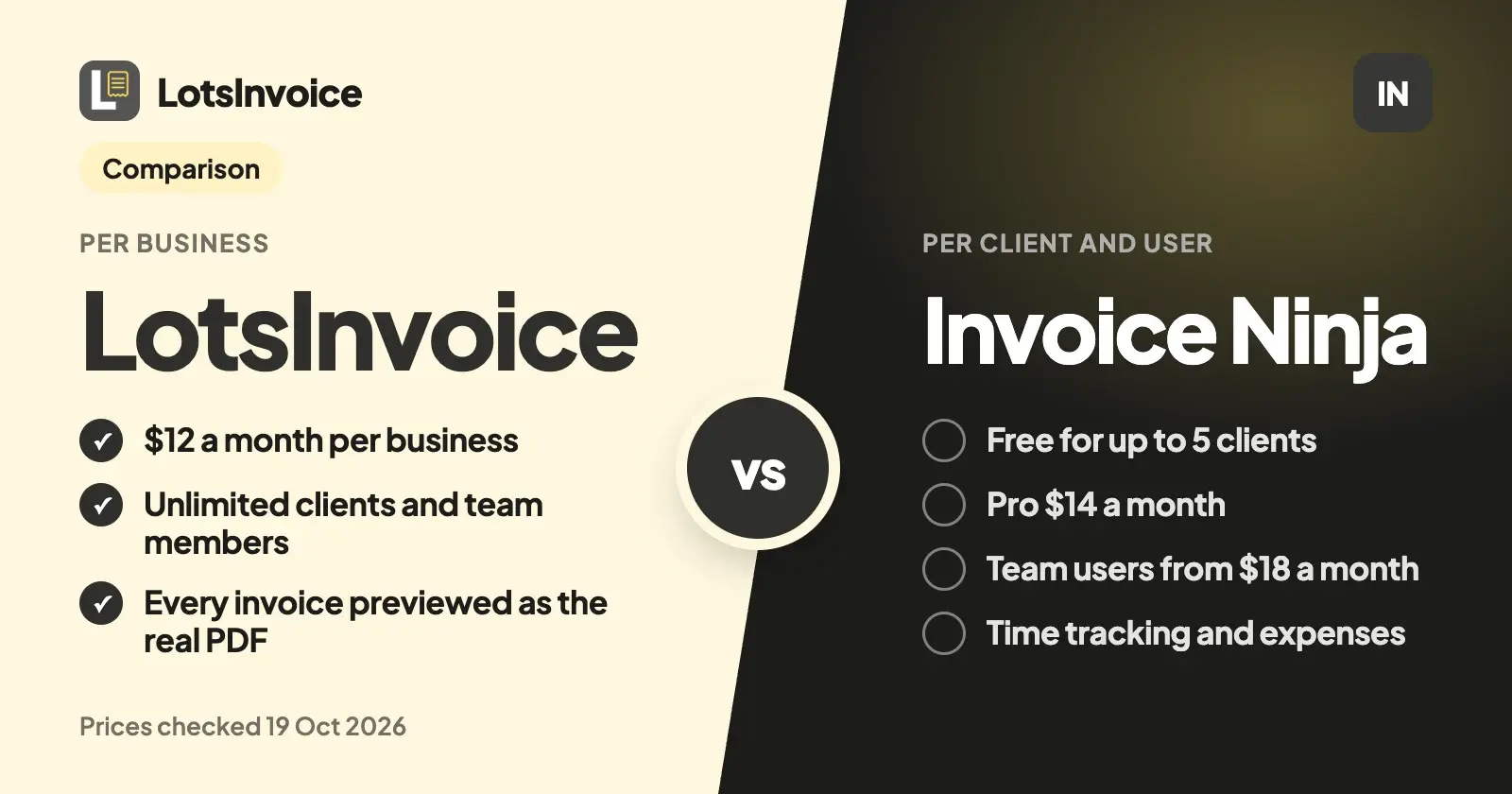
LotsInvoice and Invoice Ninja both send professional invoices with a client portal, recurring invoices and reminders. The difference is what you pay for. LotsInvoice charges per business, with unlimited clients and team members from $12 a month. Invoice Ninja is free for up to 5 clients, $14 a month for unlimited clients, and charges by user for a team.
If you run an agency or a small studio and more than one person touches invoices, LotsInvoice is the better fit: everyone joins at no extra cost, every invoice is checked in a preview of the real PDF before it goes, and sent invoices are numbered and locked. If you're a solo freelancer with a handful of clients, want card payments processed inside the invoice, track time and expenses in the same app, or want to host it yourself, Invoice Ninja is a strong choice.
Everything about Invoice Ninja below comes from its own pricing page, documentation and GitHub repository, checked on 19 October 2026, with links at the end. Prices are in US dollars.
LotsInvoice vs Invoice Ninja at a glance
| LotsInvoice | Invoice Ninja | |
|---|---|---|
| Built for | Agencies, freelancers and small businesses who invoice their own clients and want every invoice exact and on-brand | Freelancers and small businesses who want invoicing, payments, time tracking and expenses in one app, hosted or self-hosted |
| What you pay for | Businesses: Starter $12 a month or $120 a year (1 business), Pro $29 or $290 (5), Business $79 or $790 (20) | Clients and users: Free (up to 5 clients), Ninja Pro $14 a month or $140 a year, Enterprise by users from $18 a month (1 to 2 users) to $300 (51 to 100), Premium Business custom from $280 a year |
| Free start | 15,000 free credits, valid 90 days, no card | Free plan, up to 5 clients, with "Created by Invoice Ninja" on invoices |
| Clients and invoices | Unlimited in every business | Free: 5 clients, unlimited invoicing. Pro and up: unlimited |
| Team members | Unlimited, as editors or viewers, on every plan | Additional account users only on Enterprise and Premium Business |
| Several companies | Pro: 5 businesses, Business: 20, each with its own logo, numbering and customers | Pro: up to 10 companies under one login |
| Designs | Nine designs (US Letter or A4) with your logo, colours and font, or your own HTML and CSS template | 11 templates; custom designs from Pro |
| Your columns, codes and taxes | Rename, reorder, hide or add columns; item and accounting codes; custom fields; several named taxes per line, compound or inclusive | Automatic US state sales tax calculation on Pro; e-invoicing and PEPPOL on Enterprise |
| Before and after you send | Every invoice starts as a draft with a preview of the real PDF; sent invoices are numbered and locked; changes are revisions with a reason, or credit notes | Real-time invoice PDF preview on every plan |
| Reminders | Before and after the due date, in your words, on every plan; they stop when paid | Automatic late-payment reminders from Pro |
| How clients pay | Your own options on the invoice and portal: Stripe Payment Link, PayPal, Square, bank transfer, ACH, Zelle, Venmo, check. LotsInvoice never holds your money; you record the payment | Connect a payment gateway (Stripe, PayPal, Square, GoCardless and more) for a "Pay Now" button and auto-billing |
| Time tracking and expenses | Not included | Projects, billable time, expenses and vendors on every plan |
| Apps and hosting | Web app; hosted by us | Apps for macOS, Windows, Linux, iOS and Android; hosted, or self-host the source-available code |
| API and AI assistants | REST API and an MCP server for Claude, ChatGPT and other assistants, on every plan | REST API from Pro; Zapier, Make and n8n on every plan |
Checked on 19 October 2026 on lotsinvoice.com/pricing and invoiceninja.com/pricing-plans.
Where LotsInvoice is the better choice
Your whole team, one price per business
An agency invoice rarely has one author. The account manager knows what was agreed, the project lead knows the hours, a partner signs it off, and the bookkeeper wants to see it. In LotsInvoice they all join the business as editors or viewers, and team members are unlimited on every plan.
Invoice Ninja's Free and Pro plans don't add account users. A team moves to Enterprise, which is priced by the number of users. Here's what one company costs a month at list prices, billed monthly:
| People who work on invoices | LotsInvoice Starter | Invoice Ninja |
|---|---|---|
| 1 | $12 | $14 (Pro), or $0 on Free with up to 5 clients |
| 2 | $12 | $18 (Enterprise, 1 to 2 users) |
| 4 | $12 | $32 (Enterprise, 3 to 5 users) |
| 8 | $12 | $54 (Enterprise, 6 to 10 users) |
Billed yearly, LotsInvoice Starter is $120 a year. Invoice Ninja Pro is $140 a year, and its annual Enterprise plans are 10 times the monthly price. Checked on 19 October 2026.
No client cap, and reminders on every plan
LotsInvoice has no free plan, but nothing inside a business is limited: invoices, estimates, credit notes, customers, items, templates, reminders and team members are all unlimited, on Starter too. Reminders go out before and after the due date, in your words, and stop as soon as the invoice is paid.
Invoice Ninja's Free plan covers 5 clients, and automatic late-payment reminders start on Pro. For an agency with a dozen retainer clients, that's Pro at least.
Nothing goes out unchecked, and the record stays clean
An invoice is your name on a request for money. It should be right. In LotsInvoice every invoice starts as a draft, next to a preview of the real PDF your client will get, and it goes only when you send it. Once sent, it's numbered and locked. If something has to change, you make a revision with a reason (the number stays) or issue a credit note, so your history always adds up.
Totals are calculated on our side to the cent, including quantities, discounts, several named taxes on one line and rounding, and the same numbers appear in the preview, the PDF and the reports.
The layout your client or accountant asks for
Agencies get asked for things: a PO number on the page, a project code on every line, a tax ID, a declaration, a column the client's finance team needs. In LotsInvoice that's set up once. You can rename, reorder, hide or add columns, add item and accounting codes, custom fields and registration IDs, print declarations, add a signature and company seal, and pick one of nine designs or write your own template. Tax presets for common setups (US sales tax, VAT, GST and others) are a starting point to check with your accountant.
Clients pay you directly, with no cut taken
LotsInvoice never holds or moves your money. Your invoices and client portal show the payment options you already use: a Stripe Payment Link, PayPal or Square link, bank transfer, ACH, Zelle, Venmo or check by mail, and UPI with a QR code on INR invoices. Clients pay you directly, your provider's own fees apply, and LotsInvoice takes nothing from the payment. When the money arrives, you record it. Your client can tell you "I've sent payment" from the portal.
Works with the AI assistant you already use
You don't need an AI assistant to use LotsInvoice: the dashboard does everything. If you work in Claude, ChatGPT or another assistant, it can connect to the LotsInvoice MCP server with your Lots sign-in, no key to paste, on every plan. It drafts invoices from your saved customers, items and layout, and asks before anything is sent.
Invoice Ninja has a REST API on Pro and up, and connects to Zapier, Make and n8n on every plan; its own site doesn't list an official MCP server, though community-built ones exist.
What Invoice Ninja offers
Invoice Ninja has been building business tools since 2014, and its strengths are real:
- A free plan. Up to 5 clients with unlimited invoicing, your logo, 11 templates, recurring invoices and a client portal, free forever.
- Low-cost Pro. $14 a month or $140 a year for unlimited clients, custom designs, automatic reminders, the REST API, a branded portal address and up to 10 companies under one login.
- Payments inside the invoice. Connect Stripe, PayPal, Square, GoCardless or other gateways and clients pay from a "Pay Now" button in the portal, with auto-billing on recurring invoices, deposits and partial payments.
- More than invoicing. Projects and billable time, Kanban boards, expenses and vendors, and product and inventory management, on every plan.
- Apps everywhere. Native apps for macOS, Windows, Linux, iOS and Android.
- Host it yourself. The code is public on GitHub under the Elastic License 2.0, and its docs cover installing it on your own server with Docker or other methods.
- Enterprise features. User permissions, bank account sync, e-invoicing and the PEPPOL network, file attachments in the portal, and a portal on your own domain.
Which one should you choose?
Choose LotsInvoice if:
- You run an agency or studio and more than one person works on invoices.
- You want unlimited clients and reminders from the first plan, at one price per business.
- You want every invoice checked in a preview of the real PDF, and sent invoices locked with revisions and credit notes.
- Your clients or accountant ask for specific columns, codes, taxes or declarations.
- You'd rather clients pay you directly through the payment options you already use.
Choose Invoice Ninja if:
- You're a solo freelancer with up to 5 clients and want to pay nothing, or one person with more clients on Pro.
- You want card payments processed inside the invoice, with auto-billing.
- You want time tracking, expenses and projects in the same app.
- You want native desktop and phone apps, or to host it on your own server.
How to move from Invoice Ninja to LotsInvoice
- Export your clients and products. Invoice Ninja's reports have an Export button that downloads CSV files.
- Set up your business once in LotsInvoice: logo, design, numbering, columns, taxes and your payment options.
- Import customers and items from the CSV files. Columns are matched by name.
- Continue your numbering. Set the next invoice number so new invoices follow on from your last Invoice Ninja number.
- Recreate your recurring invoices, such as monthly retainers, as drafts to review or sent on schedule.
- Keep your old invoices where they are, or export them for your records. New invoices go from LotsInvoice.
If you use an AI assistant, you can hand it the setup. Connect LotsInvoice through lotsinvoice.com/mcp, attach your CSV files, and say:
Import these customers and items into my LotsInvoice business. Then set the next invoice number to follow on from INV-0142. Recreate my retainer for each client in the list as a monthly recurring invoice that starts on the 1st as a draft for me to review. Show me what you'll create before you create it.
The assistant uses the same tools as the dashboard (import_customers, import_items, set_next_number, create_invoice, create_recurring), and nothing is sent to a client without your yes.
Pricing in one line
LotsInvoice is $12 a month for one business, $29 for 5 and $79 for 20, or $120, $290 and $790 a year, with everything inside a business unlimited. Pro and Business include LotsNotes Pro. New accounts get 15,000 free credits, valid 90 days, no card. See pricing.
Common questions
Is LotsInvoice an Invoice Ninja alternative?
Yes, for invoicing, estimates, recurring invoices, reminders and the client portal. LotsInvoice charges per business with unlimited clients and team members, checks every invoice in a preview of the real PDF and locks it once sent. It doesn't include time tracking, expenses, payments processed inside the invoice or self-hosting, which Invoice Ninja does.
How much does Invoice Ninja cost?
Invoice Ninja is free for up to 5 clients. Ninja Pro is $14 a month or $140 a year with unlimited clients. Enterprise is priced by account users, from $18 a month for 1 to 2 users up to $300 a month for 51 to 100. Premium Business is custom, from $280 a year. Checked on 19 October 2026.
Does Invoice Ninja charge per user?
On Enterprise, yes: the price depends on the number of account users. The Free and Pro plans don't add account users. LotsInvoice doesn't charge per user: team members are unlimited in every business.
Can I self-host LotsInvoice?
No. LotsInvoice is hosted, and you can export all your data at any time. If self-hosting matters to you, Invoice Ninja's source-available code can run on your own server.
Can my clients pay by card with LotsInvoice?
Yes, through the payment options you already use. Add your Stripe Payment Link, PayPal or Square link and it appears on every invoice and in the client portal, next to bank transfer, ACH, Zelle or check details. Clients pay you directly, LotsInvoice never holds your money, and you record the payment when it arrives.
Sources
Checked on 19 October 2026:
- LotsInvoice: lotsinvoice.com, pricing, AI assistants
- Invoice Ninja: pricing and plan comparison, home page, documentation, import and export docs, GitHub repository and license