
Professional invoicing for small businesses and freelancers.
Invoices you can send with confidence.
Set up your business once: your logo, layout, taxes and item codes. Every invoice after that comes out exact. You check it in a preview of the real PDF, send it when you are ready, and LotsInvoice follows up until you are paid.
Free signup credits to start. No card needed.
Customer
Acme Robotics
Issue date
Oct 17, 2026
Due
Net 30
Line
Brand identity design
PDF preview
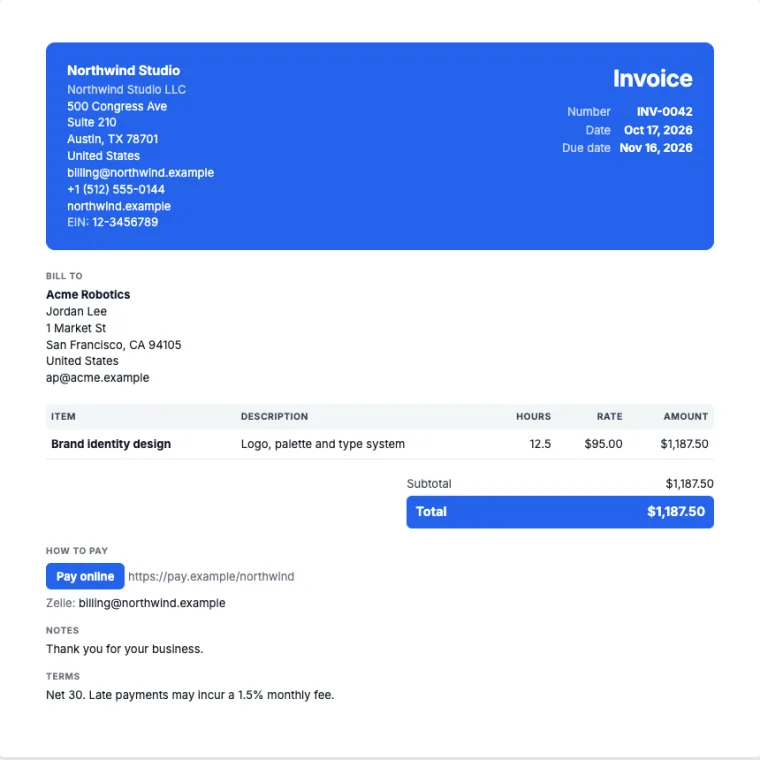
- Totals calculated to the cent
- Preview is the PDF your client gets
- Numbers locked once sent
- You choose how you are paid
Why LotsInvoice
An invoice is your name on a request for money. It should be right.
Nothing goes out unchecked
Every invoice starts as a draft. You see the finished PDF before you send, and you decide when it goes.
Exact, every time
Quantities, discounts, several taxes per line, rounding: calculated on our side to the cent, the same in the preview, the PDF and the reports.
A record you can trust
Sent invoices are numbered and locked. Changes are revisions with a reason or a credit note, so your history always adds up.
Your invoice, your way
Every client, accountant and country wants something different on the page.
Columns, codes, taxes, labels, declarations and the title at the top are settings, not workarounds. Set them once per business and every invoice follows.
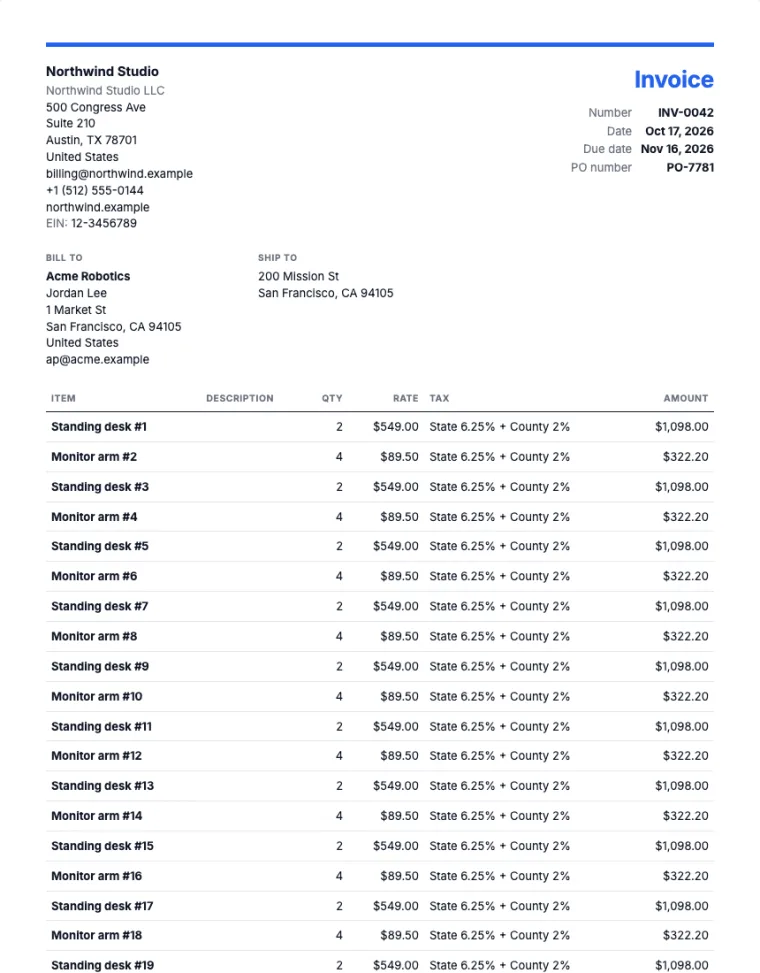
Products with state and county tax
Several named tax components on one line, a PO number, ship-to address and shipping.
- State and county tax on each line
- PO number and ship-to address
- Shipping and document discounts
A real render from LotsInvoice with sample businesses. Presets are a starting point to check with your accountant.
How it works
Set up once. Then every invoice takes a minute.
Step 1
Set up once
Add your business, logo and colors. Pick a design, your columns, taxes and numbering, and how clients can pay you.
Step 2
Create and check
Pick a customer, add lines from your saved items and watch the real PDF update next to the form. Totals are exact.
Step 3
Send when ready
It goes from your business name with the PDF attached and a private link to your client portal. Replies come to you.
Step 4
Get paid
Clients pay online into your own payment account, or the way they already pay you. Reminders follow up on your schedule and stop when it is paid.
After you send
Your clients get a clear page. You get paid without chasing.
Each client has a private portal with their documents, balance and statement, and your payment options one click away. Estimates are accepted with a typed name. Reminders go out on your schedule, in your words, and stop the moment an invoice is paid.
- See when an invoice is opened
- Client says "I’ve sent payment"
- Statement and balance per client
- Reminders before and after due
Client portal
Hello, Acme Robotics
Balance due
$1,187.50
Timeline
Oct 17
Sent with the PDF and a portal link
Oct 18
Opened by Acme Robotics
Nov 13
Friendly reminder: due in 3 days
Nov 23
Reminder: 7 days overdue
Nov 24
Paid. Reminders stop.
Designs
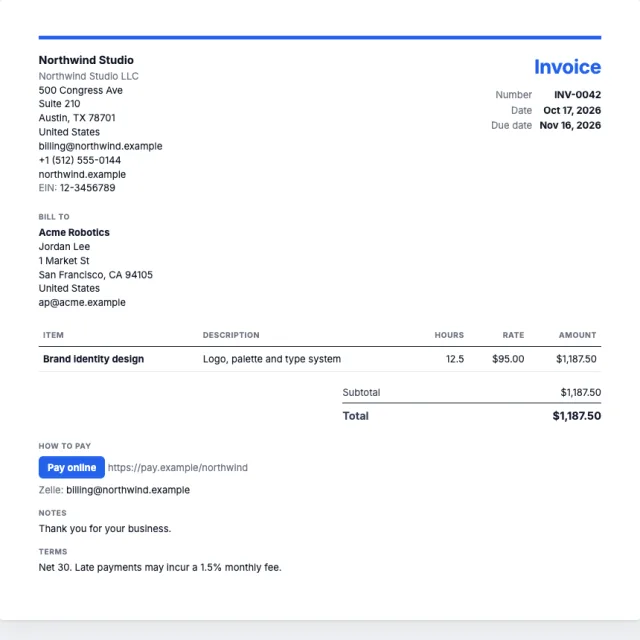
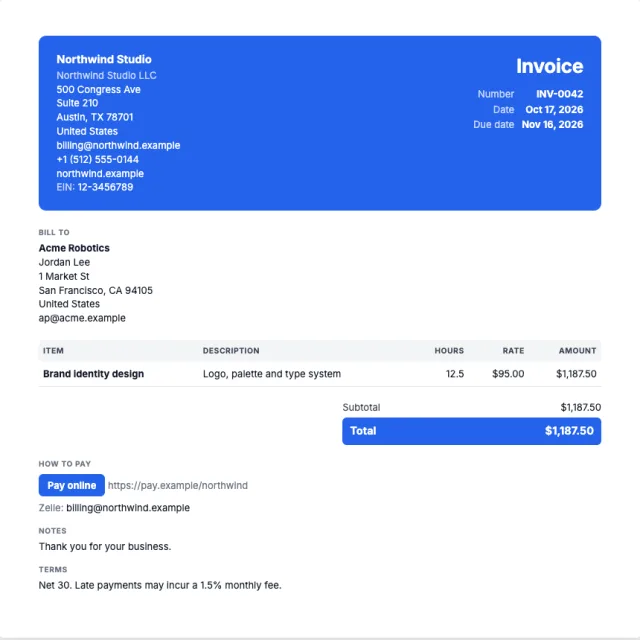
Nine designs. Your logo, colors and font.
US Letter or A4, with your signature and company seal. Long invoices keep their headings on every page and the totals with the last rows. Want something of your own? Use a custom template.
Classic
Modern
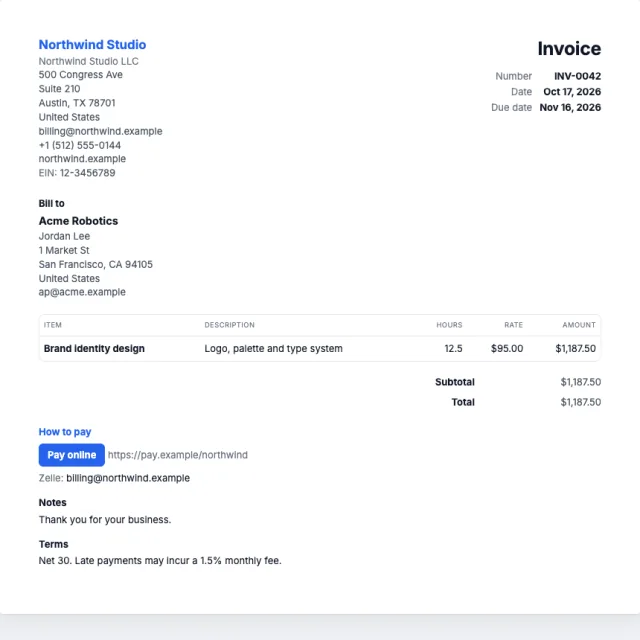
Studio
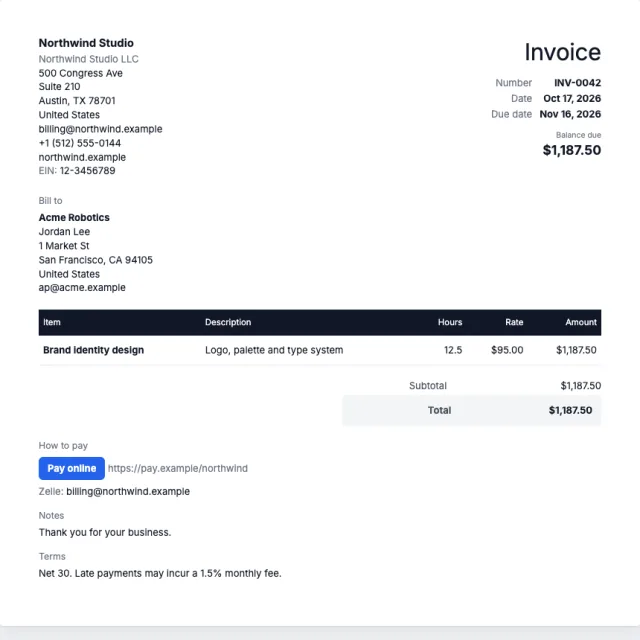
Executive
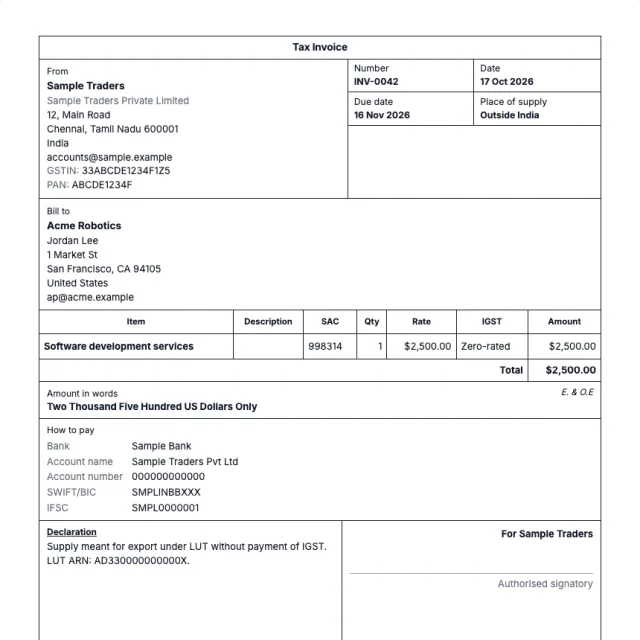
Ledger
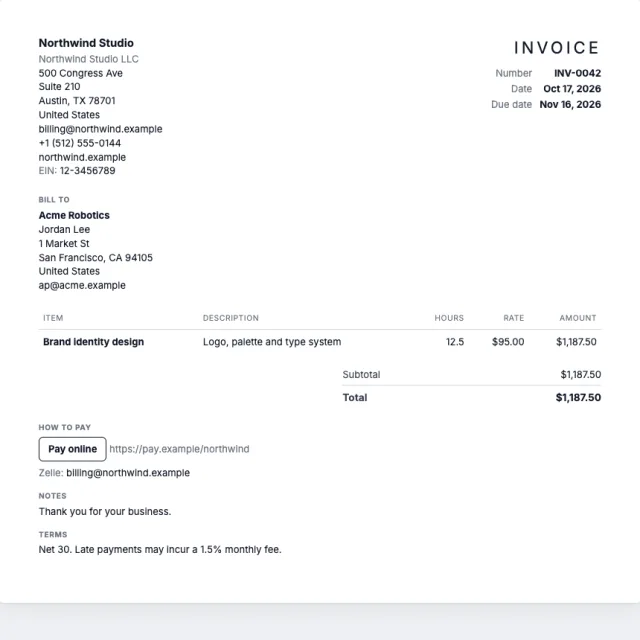
Minimal
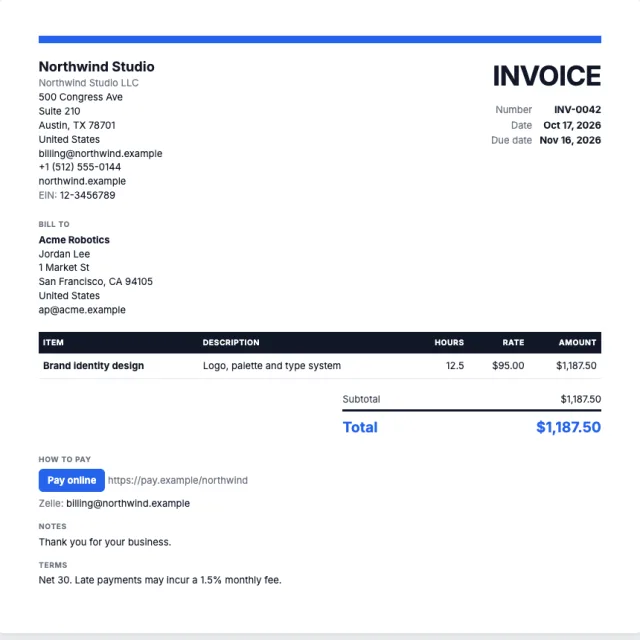
Bold
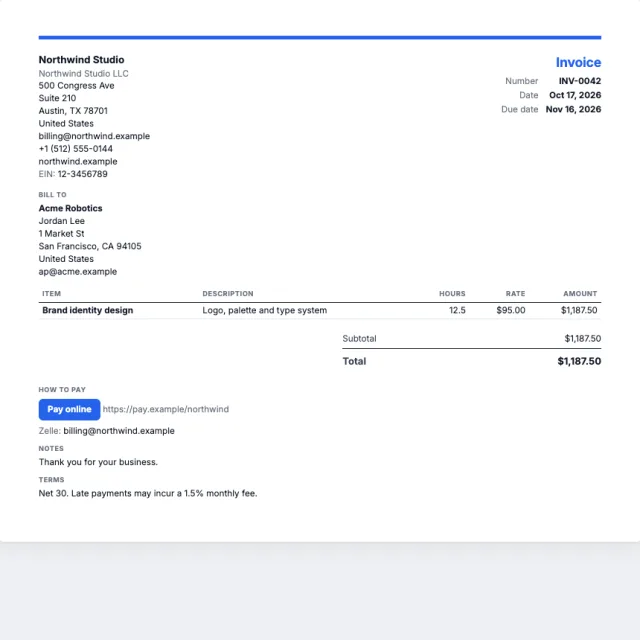
Compact
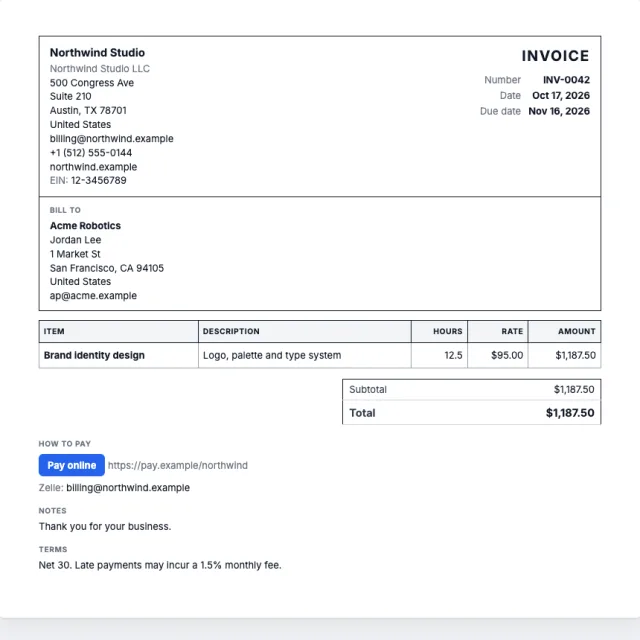
Formal
Getting paid
Paid the way you already get paid.
LotsInvoice never holds or moves your money. Connect your own payment account, switch on online payment, and every invoice gets a Pay button for its exact balance; the payment is recorded on the invoice by itself and your client gets a receipt. You can also show the options you already use, such as bank details, a pay link, Zelle or a mailing address for checks, and record those payments when they arrive.
Everything else you need
Unlimited inside every business.
Invoices, estimates, credit notes, customers, items, templates and team members have no limits.
Estimates
Send a quote, let the client accept it with a typed name, then turn it into an invoice in one click.
Recurring invoices
Retainers that repeat weekly, monthly or yearly, as drafts to review or sent on schedule.
Credit notes and revisions
Correct a sent invoice with a revision and a reason, or issue a credit note against it.
Customers and items
Saved customers with their own terms, currency and tax IDs, and a catalog of items and rates.
Any currency
Invoice each client in their currency, with the right symbols and decimal places.
Reports
Who owes what, revenue, tax collected and payments received, with CSV export for your accountant.
Team access
Invite a bookkeeper or partner to a business, with the role that fits.
Import and export
Bring customers and items in from a CSV, and export all your data whenever you want.
Works with your AI assistant, when you want it
Once you are set up, Claude, ChatGPT and other assistants can draft invoices from your customers, items and layout. You choose what each one may do, and sending and payments stay off until you turn them on.
Pricing
Pay per business. Everything inside is unlimited.
One price for each business you invoice from, whether you send five invoices a month or five hundred.
Starter
1 business
$12.00/month
or $120.00/year
- Unlimited invoices, estimates and credit notes
- Unlimited customers, items and templates
- Client portal and reminders
- Unlimited team members
- More businesses at $12.00/month each from credits
Pro
5 businesses
$29.00/month
or $290.00/year
- Unlimited invoices, estimates and credit notes
- Unlimited customers, items and templates
- Client portal and reminders
- Unlimited team members
- More businesses at $5.80/month each from credits
Business
20 businesses
$79.00/month
or $790.00/year
- Unlimited invoices, estimates and credit notes
- Unlimited customers, items and templates
- Client portal and reminders
- Unlimited team members
- More businesses at $3.95/month each from credits
Pay as you go
No plan needed: each business uses 15,000 LotsTech Credits a month ($15.00), charged a little each day. Purchased credits never expire and work in every Lots product.
Free to start
New accounts get 15,000 free credits, about a month of one business. No card needed.
Prices in USD. Taxes are added at checkout where they apply.
Who is LotsInvoice for?
Can I make the invoice look the way my client or accountant wants?
Does LotsInvoice take payments?
Can clients pay online?
Can I use different payment details for one invoice?
Can I use my own tax rates?
What happens after I send an invoice?
How is it priced?
Can I use it from an AI assistant?
Is my data safe?
Set up your business today. Send your first invoice in minutes.
Start with free signup credits. Add your logo, pick a design and see exactly what your client will get.