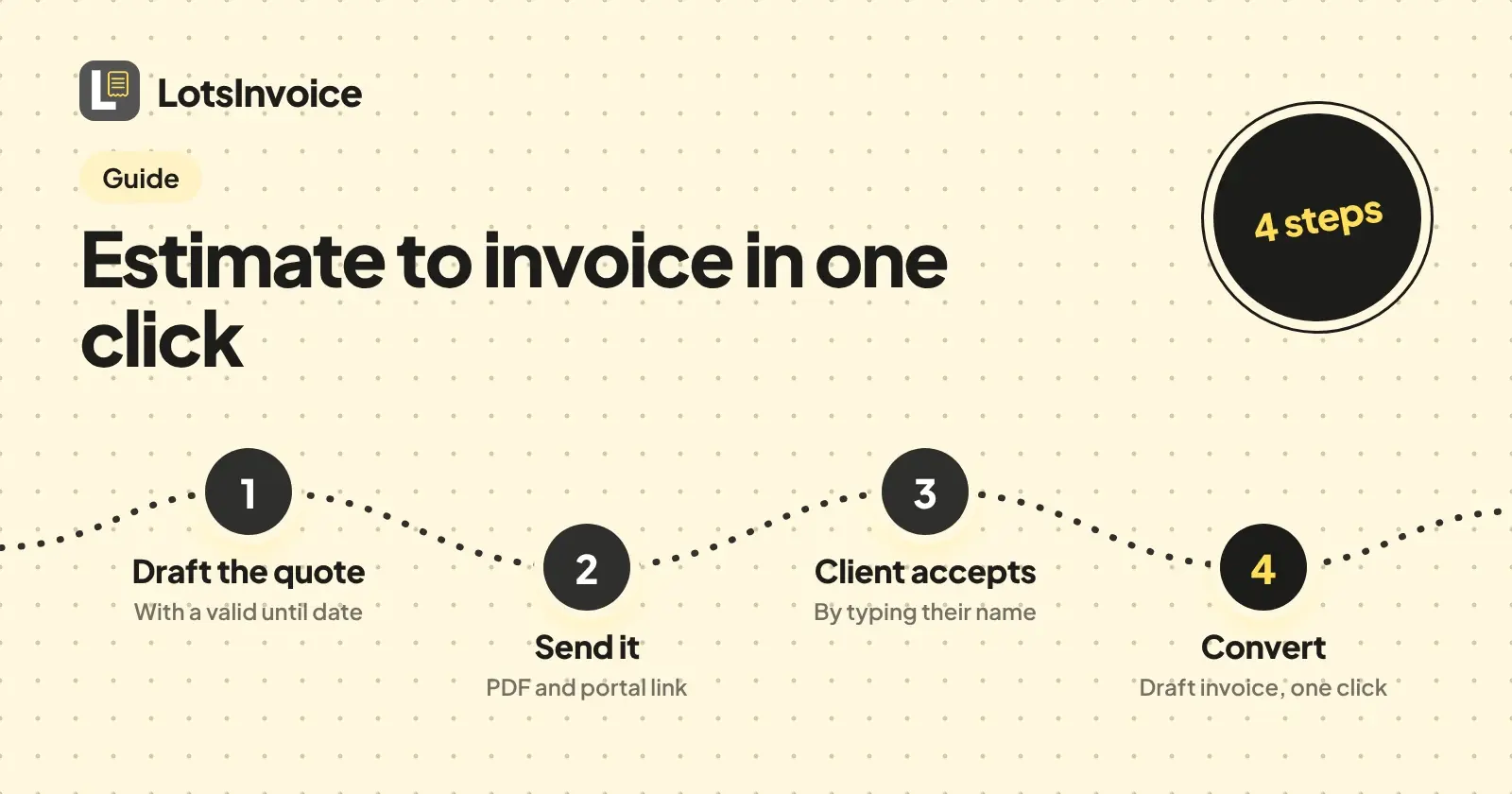
To go from estimate to invoice in LotsInvoice, you draft the quote, send it, let your client accept it by typing their name, then convert it to an invoice in one click. I'm the founder of LotsInvoice, and this is the exact flow I built it around. Every step below comes from LotsInvoice's own help page, its agent skill file and its API docs, all opened on 14 November 2026.
The short version
- Draft the estimate for your customer, with a "valid until" date.
- Send it. Your client gets an email with the PDF and a private portal link.
- Your client accepts in the portal by typing their name.
- Convert it to a draft invoice in one click.
- Check the draft and send the invoice.
Estimates are unlimited inside a business, so a quote that goes nowhere costs you nothing extra. The help page says it plainly: "Invoices, estimates, credit notes, customers, items, templates, reminders and team members are unlimited."
Step 1: Draft the estimate
An estimate belongs to a customer, so add the customer first (name, billing email and address). Then create the estimate with its lines, each with a name, quantity and unit price. You can do this in the dashboard at lotsinvoice.com/app, or ask an AI assistant to do it through the create_estimate tool, which the API docs describe as "Draft an estimate (quote). due_date is "valid until". The customer can accept it in the portal; convert_estimate turns it into an invoice."
The fields worth setting on a quote, taken from the create_estimate parameters:
| Field | What it does on an estimate |
|---|---|
lines | The work and prices, in order. LotsInvoice calculates the totals exactly. |
due_date | On an estimate this means valid until (YYYY-MM-DD). |
deposit | Ask for a percentage or a fixed amount up front, for example 10 percent or 25.00. |
discount | A percentage or an amount, applied before tax. |
currency | Defaults to the customer's currency, or the business's. |
notes, terms, footer | Scope notes, what is included, your conditions. |
po_number, reference | Handy when the client's finance team needs a reference. |
template | One of the nine designs or your own custom template. |
If you call your quotes something else, the skill file says titles can be renamed, for example to "Quote", under update_settings. The same settings hold a default for how many days an estimate stays valid (estimate_valid_days), so the valid until date fills itself in.
An estimate stays a draft until you send it, and drafts can be edited freely. Preview the PDF before it goes anywhere; drafts render marked DRAFT.
Step 2: Send the quote
Sending is one action: send_document in the API, or send it from the dashboard. The tool description says it will "Email the document with its PDF and portal link (from LotsInvoice, replies go to the business). A draft gets its number and is locked."
Two things to know before you send:
- Confirm your business email first. The help page says that before your first document goes out by email you confirm your business email by opening the link sent to that address. If it is the address you sign in with, it is already confirmed. Until then you can create, preview and share documents or mark them as sent, but not email them.
- You can send it yourself instead.
mark_document_sentissues the draft without emailing it, for when you delivered the quote on WhatsApp, as a link or another way.get_documentwithshare: truereturns ready-to-send messages: an email subject and body, a WhatsApp text and the portal link.
If you use an AI assistant, nothing is sent behind your back. The skill file tells the assistant to read the totals to you and ask before sending, and the help page says sending and payments stay off for assistants until you turn them on.
After it is sent, get_document shows when your client has opened the portal link, and the document's activity lists views and portal notes.
Step 3: Your client accepts by typing their name
Your client opens the private portal link. The portal is where a customer can "view and download documents, pay, accept estimates" (the get_portal_link description). Accepting is a name typed into the portal. The help page puts it this way: "Your client accepts an estimate by typing their name."
When they accept, the estimate's status becomes accepted. You can also catch up with get_summary, which lists your open estimates among the things that need attention. For more on the portal itself, read Client Portal and Payment Reminders in LotsInvoice, Explained.
Need to change a quote the client has already seen? A sent estimate is locked, so you make a revision with a reason. The skill file says revise_document keeps the number and adds a version. The same logic is covered for invoices in How to Correct a Sent Invoice.
Step 4: Convert it in one click
Once the client has accepted (or told you yes some other way), convert the estimate. The help page calls this "you turn it into an invoice in one click", and in the API it is convert_estimate: "Turn an estimate into a draft invoice."
The result is a draft invoice, so nothing reaches your client yet and you get a last look at the lines and totals.
Step 5: Check the draft and send the invoice
Open the draft, check the lines, the totals and the due date, and add a PO number or note if the client asked for one. Then send it the same way you sent the quote. The invoice is numbered and locked when it goes out, and your client gets the PDF and a portal link.
If you have connected your own Stripe or Razorpay account and switched on online payment, each sent invoice gets a Pay button for its balance. LotsInvoice never holds or moves your money. Other payment details you show, such as bank details, a pay link or Zelle, are recorded by you when the money arrives.
The same flow through an AI assistant
LotsInvoice runs an MCP server at https://api.lotsinvoice.com/mcp. The skill file's own workflow is called "Quote, then invoice":
create_estimate, show totals,send_documentafter a yes.- When the customer accepts in the portal (status
accepted) or you say so:convert_estimategives a draft invoice. Show it, then send.
That is the whole loop, and you stay in charge of the two moments that matter: the send and the final invoice.
Reusing a quote
duplicate_document copies a document into a new draft, "optionally for another customer or as another type". That is useful for a repeat job, or for turning a past invoice into the next estimate. If you are still choosing a tool for quotes, see The Best Estimate and Invoice Software (2026), and for how LotsInvoice is priced against one mobile-first alternative, LotsInvoice vs Invoice Simple.
FAQ
How does my client accept an estimate in LotsInvoice?
They open the private portal link in your email and accept by typing their name. LotsInvoice's help page says: "Your client accepts an estimate by typing their name, and you turn it into an invoice in one click."
What does "valid until" mean on an estimate?
It is the date the quote is good for. In LotsInvoice the due date field on an estimate is labelled as valid until, and you can set a default number of valid days in your settings so you don't type it each time.
Can I change an estimate after I send it?
Drafts can be edited freely. Once you send an estimate it is numbered and locked, and you change it with a revision that needs a reason. The number stays the same and a new version is added.
Does converting an estimate send the invoice to my client?
No. Converting turns the estimate into a draft invoice. You check it, then send it yourself, and the invoice gets its number when it goes out.
Is there a limit on how many estimates I can send?
No. Inside a business in LotsInvoice, invoices, estimates, credit notes, customers, items, templates and team members are unlimited. New accounts start with free signup credits, no card needed.
Can an AI assistant create and send my estimate?
Yes, if you want it to. Claude, ChatGPT and other assistants connect through the LotsInvoice MCP server and can draft the estimate, but sending stays off until you turn it on, and the assistant is told to show you the totals and ask before it sends.
Checked on 14 November 2026 against lotsinvoice.com/help, lotsinvoice.com/skill.md and the LotsInvoice API docs. Open the same pages to confirm any line.