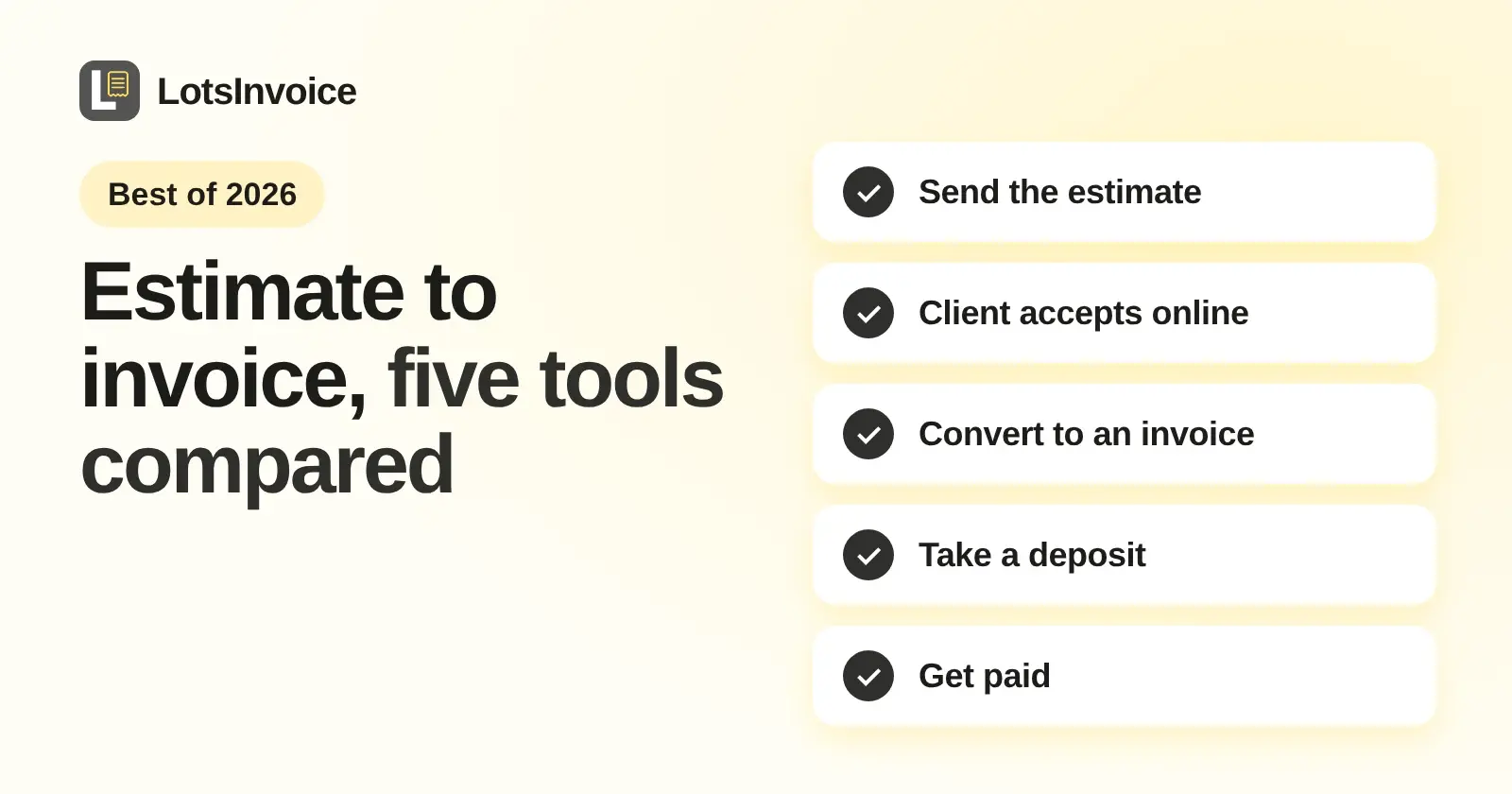
If you want to send an estimate, have the client accept it online, turn it into an invoice and get paid, LotsInvoice is the tool I built for that flow: unlimited estimates and invoices per business, from $12 a month or $120 a year. If you also want free plans or bookkeeping, Zoho Invoice, Invoice Ninja, Wave and FreshBooks each cover the same estimate-to-invoice flow, and I compare them below with prices from their own pages, checked on 13 November 2026.
I'm the founder of LotsInvoice, so I put mine first and then list the rest alphabetically. This is not a ranking. I kept this list to tools whose estimate or quote pages and pricing pages I could read today.
The estimate-to-invoice flow, side by side
| Tool | Client accepts online | Estimate to invoice | Deposit | Starting price |
|---|---|---|---|---|
| FreshBooks | Client "can approve a project with one click" | "Ready-to-pay invoices" | "Accept Deposits" listed on the pricing page | Lite $23 a month (5 clients) |
| Invoice Ninja | Approve or reject in the client portal | Automatic or one click | Partial/Deposit field on the quote | Free $0, Pro $14 a month or $140 a year |
| LotsInvoice | In the client portal, by typing their name | One click | On the invoice, with a Pay button | Starter $12 a month or $120 a year |
| Wave | Client "can accept it online" (customer quote on Wave's page) | "With a click" | Through estimates on Pro, with online payments | Starter $0, Pro $19 a month or $190 a year |
| Zoho Invoice | Accept, decline or negotiate in the customer portal | "In a single click" | Not mentioned on its estimates page | $0, forever free |
LotsInvoice: the estimate, then the invoice that follows
Checked on 13 November 2026 on lotsinvoice.com/pricing, lotsinvoice.com/help, the skill file and the API docs.
- Send the estimate. You draft it, set a "valid until" date and send it from your business name, with a PDF and a private portal link. You can see when the client has opened it, and open estimates show up in your summary.
- The client accepts. The help page says the client accepts an estimate by typing their name, in the client portal.
- Convert it. The same page says you turn the estimate into an invoice in one click. The invoice starts as a draft, so you check it before it goes out.
- Deposits and part payments. When an invoice asks for a deposit, the client can pay the deposit or the full amount, and another amount when you allow part payments. I wrote up the details in deposit invoices and part payments.
- Get paid. Connect your own Stripe or Razorpay account and each sent invoice gets a Pay button. The money goes straight to your account, the payment is recorded on the invoice automatically, and LotsInvoice never holds it. You can also show bank details, Zelle, a payment link or UPI, and record those payments yourself when they arrive.
- What follows. Reminders go out before and after the due date and stop when the invoice is paid. Recurring invoices repeat weekly, monthly or yearly, and are created as drafts or sent on schedule.
What LotsInvoice does not do: contracts, scheduling, time tracking, payroll or accounting. If your quote has to be signed as a contract, use a contract tool next to it.
| Plan | Businesses | Monthly | Yearly |
|---|---|---|---|
| Starter | 1 | $12 | $120 |
| Pro | 5 | $29 | $290 |
| Business | 20 | $79 | $790 |
| Pay as you go | Per business | $15 per business a month, no plan needed |
Inside each business, estimates, invoices, credit notes, customers, items, templates and team members are unlimited. New accounts get free signup credits, no card needed.
FreshBooks
FreshBooks is invoicing plus accounting. Its estimates page (checked on 13 November 2026) says you can send an estimate "right from FreshBooks with a personal message", that your client "can approve a project with one click", and that you can "transform your custom estimates into ready-to-pay invoices". Its FAQ says clients can access their estimates online.
The pricing page (checked on 13 November 2026) shows Lite at $23 a month for 5 clients with "Create and send estimates", Plus at $43 a month for 50 clients with "Create estimates, proposals, and client retainers", and Premium at $70 a month for unlimited clients. Team members are $11 a month per user. The page shows promotional discounts too; these are the regular prices. It suits you if you want accounting and proposals in the same app and are fine with the client caps on the lower plans.
Invoice Ninja
Invoice Ninja's quotes page (checked on 13 November 2026) says quotes are "Included on every plan". You pick the client, set a Valid Until date, add a deposit with the Partial/Deposit field if you want something upfront, and email the quote. The client opens it in the client portal and clicks Approve or Reject. With Automatically Convert on, which is the default, an approved quote becomes an invoice the client can pay right away, or you can turn that off and convert in one click. You can also require a drawn signature or a terms checkbox before approval, and turn an approved quote into a project.
The pricing page (checked on 13 November 2026) shows Free at $0 with 5 clients and unlimited invoicing, Pro at $14 a month billed monthly or $140 billed annually with unlimited clients, and Enterprise from $18 a month for 1 to 2 users. It is a strong pick if you want quotes, time tracking and projects together and like having a free plan to start on.
Wave
Wave's estimates page (checked on 13 November 2026) says you can request a deposit through an estimate, track it "in real-time", and "turn your estimate into an invoice with a click". It quotes a customer saying the client "can accept it online". Deposits can be a set amount or a percentage, and the page says they are available on the Pro plan or with online payments enabled.
The pricing page (checked on 13 November 2026) shows Starter at $0 with "unlimited estimates, invoices, bills, and bookkeeping records", and Pro at $19 a month billed monthly or $190 a year, with "Accept deposits through estimates" on Pro. Wave includes bookkeeping, which I do not, so it fits if one free app for estimates and books is the goal.
Zoho Invoice
Zoho Invoice's estimates page (checked on 13 November 2026) says you can "generate detailed quotes, attach additional documents, and set expiry dates". Customers can "accept, decline, or negotiate the terms" through a customer portal, and you can "quickly convert accepted quotes to invoices in a single click". You can "monitor whether your quote has been viewed, accepted, or declined", and Zoho Sign is available for signing quotes.
The pricing page (checked on 13 November 2026) shows "$0", described as forever free, with up to two users, up to 500 invoices a year and up to three projects. That is a good fit if you want signed quotes and a free plan and can work inside those limits.
Tools I left out
I did not include Invoice Simple or Square Invoices because their pages blocked me today (403 and 429 responses). I also left out QuickBooks: its estimates page returned a 404 and its pricing page did not show a billing period for the regular prices. I would rather skip a tool than guess its numbers.
Which one should you pick?
- You want estimates, invoices, payments and reminders at one price per business: LotsInvoice.
- You want a free plan: Zoho Invoice, Wave Starter or Invoice Ninja Free.
- You want deposits on the estimate itself: Invoice Ninja, or Wave Pro.
- You want accounting too: Wave or FreshBooks.
- You need contracts or booking in the same app: none of the above is a contract suite. HoneyBook and others are, and I covered them in HoneyBook alternatives for freelancers and small agencies.
For more lists, see invoice software for freelancers and invoicing software with a client portal, or invoicing software for contractors if you quote jobs on site.
Using it with ChatGPT or Claude
LotsInvoice also works with your AI assistant, when you want it. Through its MCP server (setup is in the skill file) an assistant can draft an estimate, convert it and chase an invoice, and it asks before anything is sent. The dashboard does the same jobs if you prefer clicking.
FAQ
What is the best estimate and invoice software?
It depends on what you need around the estimate. If you want estimates that clients accept in a portal, a one-click conversion to an invoice and a Pay button on the invoice, at one price per business starting at $12 a month or $120 a year, LotsInvoice is the one I built for that. If you want a free plan, look at Zoho Invoice, Wave or Invoice Ninja. If you also want accounting or proposals, look at Wave or FreshBooks.
Can a client accept an estimate online and have it turn into an invoice?
Yes, all five tools in this list describe that flow. In LotsInvoice the client accepts in the client portal and you convert the estimate into an invoice. Invoice Ninja can convert an approved quote automatically, Zoho Invoice and Wave convert with a click, and FreshBooks turns estimates into ready-to-pay invoices. Details and wording are in the sections above, checked on 13 November 2026.
Can I ask for a deposit on an estimate?
Invoice Ninja has a Partial/Deposit field on quotes, and Wave lets Pro plan users accept deposits through estimates when online payments are on. In LotsInvoice the deposit sits on the invoice you convert the estimate into: when an invoice asks for a deposit, the client can pay the deposit or the full amount. FreshBooks lists Accept Deposits on its pricing page.
Does LotsInvoice do contracts, scheduling or accounting?
No. LotsInvoice does not do contracts, scheduling, time tracking, payroll or accounting. It covers estimates, invoices, credit notes, online payments through your own Stripe or Razorpay account, recurring invoices, the client portal and reminders. If you need the others, pair it with a tool for that job or pick a suite.
How much does LotsInvoice cost?
Per business, checked on 13 November 2026 on lotsinvoice.com/pricing: Starter is $12 a month or $120 a year for 1 business, Pro is $29 a month or $290 a year for 5, and Business is $79 a month or $790 a year for 20. Pay as you go is $15 per business a month with no plan. Estimates, invoices, customers and team members are unlimited inside each business.