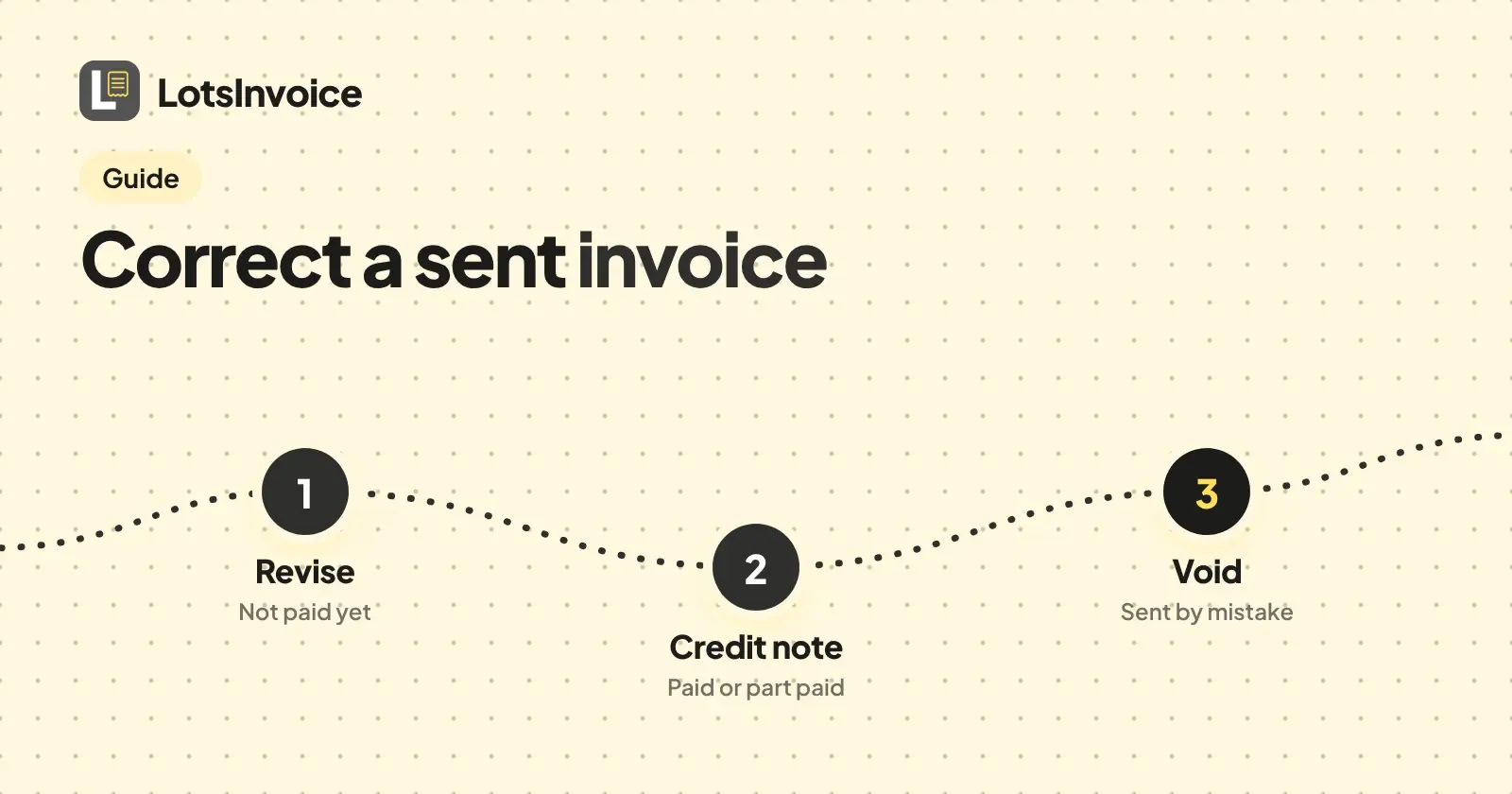
Revise the invoice if nothing has been paid on it. Issue a credit note if any money has been paid, or if you only want to reduce the amount. Void it if it should never have gone out and no payment is recorded. A revision keeps the invoice number and adds a version, a credit note is its own document with its own number, and a void keeps the number but cancels the invoice.
Once an invoice is sent it is numbered and locked, so you can't quietly edit it. That is on purpose: your name is on a request for money, and the record should add up later. Here is when to use each of the three in LotsInvoice, the steps, and what your client sees. Checked on 2 November 2026 against the LotsInvoice docs, skill file and tool list.
Which one to use
| What happened | Use | Needs | Number |
|---|---|---|---|
| Wrong line, price, date or PO number, and the client has paid nothing | Revision | A sent invoice with no payment | Same number, new version |
| The client paid in full or in part, and the invoice was wrong or you are giving money back in credit | Credit note | A sent invoice | Its own credit note number |
| The invoice should not exist (wrong client, sent twice) | Void | A sent invoice with no payments or credits recorded | The invoice keeps its number |
| It was never sent | Edit the draft, or delete it | A draft | A draft has no number yet |
Two rules sit behind the table. A payment is a payment: if the client paid with the Pay button, or you recorded a bank transfer, Zelle or check against the invoice, it can't be revised or voided any more. It is corrected with a credit note. And a deposit or a part payment counts too, so a part-paid invoice also goes the credit note way.
Revise an invoice that nobody has paid
A revision changes a sent invoice and saves it as a new locked version. The invoice number stays, every earlier version is kept, and you must give a reason.
- Open the sent invoice and choose to revise it.
- Change what is wrong: a line, a quantity, the due date, the PO number, the notes.
- Write the reason, for example "Hours corrected from 12 to 10". It is saved with the version.
- Check the preview of the real PDF and the total. The total is calculated to the cent, as for any invoice.
- Send it again if your client should see the new version. Sending emails the PDF and the private portal link from your business name.
If the client already has the old PDF, tell them the new one replaces it. The number is the same, so it is easy for them to match.
Issue a credit note when money has been paid
A credit note is a separate document. It has its own numbering series (CN-0001 by default), so it doesn't use up an invoice number, and it points to the invoice it corrects.
- Open the sent invoice and choose Issue a credit note. It starts from that invoice's customer and currency.
- Set the lines to what you are crediting. With the invoice linked, the amount defaults to the invoice's balance and is applied to the invoice when the credit note is issued. For a paid invoice, enter the amount you are crediting yourself.
- Anything that is not applied to the invoice becomes customer credit. You can apply that credit to a later invoice.
- Send the credit note so your client gets it with its own number. It also shows on the client's statement, next to their invoices and payments.
A credit note changes what is owed. It does not move money. If the client paid online and you want to give the money back, that is a separate refund: only the owner can do it, it goes back from your own payment account, and the tool shows you what it will send and changes nothing until you confirm. Payments by bank transfer, Zelle or check you refund yourself, outside LotsInvoice.
Void an invoice that should never have gone out
Void cancels a sent invoice and keeps its number, so your sequence has no gap. You give a reason. It works only when no payments or credits are recorded on the invoice. A credit note can be voided too.
- Open the sent invoice and choose to void it.
- Write the reason, for example "Sent to the wrong client".
- Tell your client in your own words that they can ignore it, because the email and PDF they received are still in their inbox.
- If the work is still owed, create the correct invoice. It takes the next number.
If the client has already paid, don't try to void it. Issue a credit note, and refund if needed.
What your client sees
- Revision: nothing changes for the client until you send the invoice again. Then they get an email with the new PDF and their portal link.
- Credit note: they get it when you send it, as its own PDF with its own number. Their statement lists it alongside invoices and payments.
- Void: the cancelled invoice is kept with its number and reason on your side. Tell the client yourself, as in the steps above.
Your numbers stay in order
An invoice gets its number when you send it. A draft has none, so deleting an unsent draft leaves no gap. Revisions and voids keep the number, and credit notes run in their own series. Nothing reuses a number. Invoice Number Format: Examples and Automatic Numbering shows how to set the prefix and the restart.
Rules on corrections differ by country, so check with your accountant what your clients' books expect.
If you run an agency
Corrections come up most often with PO numbers: the client's accounts team sends an invoice back because the PO is missing. Revise the invoice, add the PO number, and write "PO added" as the reason. The invoice number stays, so their record still matches. Where to Put a PO Number on an Invoice covers the field. If a client disputes a month of a retainer, a credit note against that invoice keeps the original and shows the reduction on their statement. See How to Invoice a Monthly Retainer for the retainer setup.
If you bill B2B as a founder
A discount you agree after a customer has paid is a credit note, not a revision. The paid invoice stays as it was, the credit note records the reduction, and the remainder is customer credit for the next invoice.
Works with your AI assistant, when you want it
You never need an assistant for any of this; the dashboard does all of it. If you use Claude, ChatGPT or another assistant connected through lotsinvoice.com/mcp, it has revise_document, create_credit_note and void_document. They are listed under the money permission, so you decide whether to grant it when you connect. Ask for the change and the reason, check the new total, and say yes before anything is sent.
What corrections cost
Nothing extra. Inside a business, invoices and credit notes are unlimited, and LotsInvoice adds no fee on payments. Clients pay your own payment account, and bank transfer, Zelle or check are recorded by hand. See how clients pay you with LotsInvoice and pricing. For how the record stays trustworthy, read Is LotsInvoice Safe?.
FAQ
Can I edit an invoice after I send it?
Not directly. A sent invoice is locked. If nothing has been paid, revise it: you get a new version with the same number and a reason. If it has been paid, issue a credit note.
Should I use a credit note or void an invoice?
Void it only when it should never have existed and no payment or credit is recorded. Use a credit note when any money has been paid, or when you want to reduce an invoice and keep the original on the record.
Does a revised invoice keep the same number?
Yes. A revision keeps the invoice number and adds a new locked version with your reason. Earlier versions are kept.
Does a credit note refund my client?
No. A credit note changes what is owed. For an online payment, the owner can refund it from their own payment account after a preview and a confirmation. Other payments you refund yourself.
Can I void an invoice my client has paid?
No. Voiding works only when no payments or credits are recorded. Issue a credit note instead.
Do credit notes use up my invoice numbers?
No. Credit notes have their own series, such as CN-0001, separate from your invoice numbers. A voided invoice keeps its number.