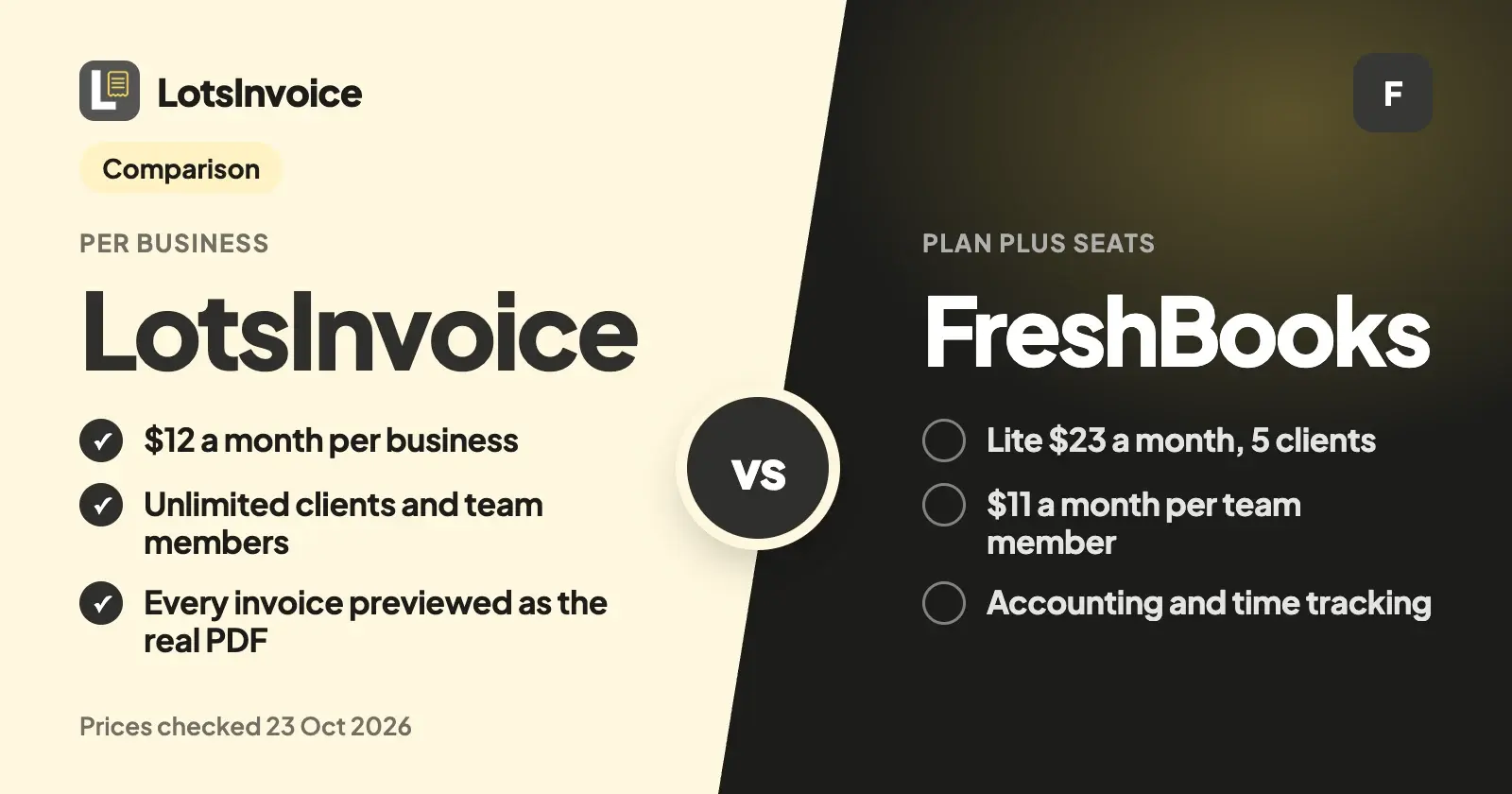
FreshBooks is invoicing plus accounting: time tracking, expenses, bank import and double-entry reports, from $23 a month for 5 billable clients, with $11 a month for each team member. LotsInvoice does invoicing only, at $12 a month per business, with unlimited clients and team members inside it. If you need the books too, pick FreshBooks. If you need exact, professional invoices for a growing agency, LotsInvoice.
I built LotsInvoice for agencies, freelancers and small businesses who send a lot of invoices and already have an accountant, or a bookkeeping tool they like. Everything about FreshBooks below comes from its own pricing page and help centre, checked on 23 October 2026, with links at the end. Prices are list prices in US dollars.
LotsInvoice vs FreshBooks at a glance
| LotsInvoice | FreshBooks | |
|---|---|---|
| Price | Starter $12 a month or $120 a year (1 business), Pro $29 or $290 (5), Business $79 or $790 (20) | Lite $23 a month, Plus $43, Premium $70, Select custom; yearly $248.40, $464.40, $756 |
| Clients you can bill | Unlimited | Lite 5, Plus 50, Premium and Select unlimited (archived clients count) |
| Team | Unlimited team members, as editors or viewers | $11 a month per team member on every plan; Select includes 2 |
| Several businesses | One plan covers 1, 5 or 20 businesses, each with its own logo, numbering, customers and team | Add businesses under one login; each keeps its own subscription |
| Branding on what you send | Yours only | FreshBooks branding removed from client emails on Select |
| Before and after you send | Every invoice starts as a draft next to a preview of the real PDF; sent invoices are numbered and locked; changes are revisions with a reason, or credit notes | Estimates, proposals (Plus and up), recurring invoices, late fees and reminders on every plan |
| Your layout | Rename, reorder, hide or add columns; item and accounting codes; custom fields; several named taxes per line; declarations; nine designs or your own template | Customized invoices on every plan; custom email templates from Premium |
| How clients pay | Your own Stripe Payment Link, PayPal or Square link, bank, ACH, Zelle or check; you record the payment. LotsInvoice never holds your money | Inside the invoice through FreshBooks Payments or Stripe: cards 2.9% + 30¢, ACH 1%, plus Apple Pay, Google Pay and Buy Now, Pay Later |
| Fee on payments | None from LotsInvoice | The card and ACH rates above; lower rates on Select |
| Accounting, time and expenses | Not included | Unlimited time tracking, expenses and bank import on every plan; double-entry reports and bank reconciliation from Plus |
| Apps | Web app | Web, iOS and Android |
| Free start | 15,000 free credits, valid 90 days, no card | 30-day free trial, no card |
Checked on 23 October 2026 on lotsinvoice.com/pricing and freshbooks.com/pricing.
Where LotsInvoice is the better choice
Your whole team, at one price
FreshBooks charges $11 a month for every team member, on every plan. Add three people to Plus and the bill goes from $43 to $76 a month, before payroll or other add-ons.
In LotsInvoice the price follows the business you invoice from, not the people in it. Team members are unlimited on every plan. Invite a partner, an account manager or your bookkeeper as an editor, who can create and change documents, or a viewer, who can see them and change nothing. A four-person agency pays $12 a month on Starter. So does a ten-person one.
No cap on clients
FreshBooks Lite sends invoices to 5 clients and Plus to 50, and its pricing page says archived clients count toward that number. Premium removes the cap at $70 a month.
LotsInvoice has no client limit on any plan. Invoices, estimates, credit notes, customers, items, templates and reminders are all unlimited inside every business, Starter included.
One plan for every brand you run
Plenty of agency owners run more than one name: a studio and a separate product brand, two sister companies, a consultancy next to the agency. FreshBooks lets you add businesses under one login and switch between them, and its help centre says each business keeps its own subscription.
LotsInvoice puts several businesses on one plan. Pro covers 5 businesses for $29 a month and Business covers 20 for $79, each with its own logo, numbering, customers, settings and team. You switch between them from the menu in the top left. Here's how that works.
Nothing goes out unchecked, and the record stays clean
An invoice is your name on a request for money. It should be right. In LotsInvoice every invoice starts as a draft next to a preview of the real PDF your client will get, and it goes only when you send it. Totals, discounts and several named taxes on one line (compound or inclusive) are calculated to the cent, and the same numbers show in the preview, the PDF and the reports.
Once sent, an invoice is numbered and locked. If something has to change, you make a revision with a reason and the number stays, or you issue a credit note. Your history always adds up, which is what your accountant wants at the end of the year.
The layout your client or accountant asks for
Agencies get asked for things: a PO number on the page, a project code on every line, a tax ID, a declaration. In LotsInvoice you set that up once. Rename, reorder, hide or add columns, add item and accounting codes, custom fields and registration IDs, rename any printed word, add a signature and company seal, and pick one of nine designs or write your own template. Only your brand appears on what you send.
Tax presets for common setups, such as US sales tax, VAT and GST, are a starting point to check with your accountant.
Clients pay you directly, and LotsInvoice takes nothing
LotsInvoice never holds or moves your money. Your invoices and client portal show the options you already use: a Stripe Payment Link, a PayPal or Square link, bank transfer, ACH, Zelle or check. Your client pays you directly, you record the payment when it arrives, and the reminders stop. If you take cards through your own Stripe or PayPal account, their fees apply; LotsInvoice adds none.
Works with the AI assistant you already use
You don't need one: the dashboard does everything. If you work in Claude, ChatGPT or another assistant, connect it at lotsinvoice.com/mcp with your Lots sign-in, on every plan. It drafts invoices from your saved customers, items and layout, and asks before anything is sent.
Where FreshBooks fits
FreshBooks is a mature product with real strengths, and for some businesses it's the right call:
- Accounting in the same app. Double-entry accounting reports, bank reconciliation and accountant access from Plus, automated bank import on every plan, and tax-time reports.
- Time tracking. Unlimited time tracking on every plan, with projects and project profitability (Premium) for agencies that bill hours.
- Expenses. Unlimited expenses, receipt scanning (Plus and up) and mobile mileage tracking.
- Payments inside the invoice. Cards, ACH, Apple Pay, Google Pay and Buy Now, Pay Later, cards clients can save, and checkout links, so a client can pay online without leaving the invoice.
- More for the business. Proposals and client retainers from Plus, Bill Pay, and payroll as an add-on.
- Mobile apps for iOS and Android, and invoices, estimates and proposals in 16 client languages.
- A 30-day free trial with no card.
Which one should you choose?
Choose LotsInvoice if:
- You already have an accountant or a bookkeeping tool, and you need the invoices right.
- More than one or two people touch invoices and you don't want to pay per person.
- You bill more than 5 or 50 clients and don't need Premium's accounting extras.
- You run several brands or sister companies and want them on one plan.
- Your clients ask for specific columns, codes, taxes or declarations.
Choose FreshBooks if:
- You want invoicing, expenses, time tracking and the books in one app.
- You bill tracked hours and want project profitability.
- You want clients to pay by card or ACH inside the invoice.
- You want payroll from the same vendor.
How to move from FreshBooks to LotsInvoice
- Export your clients and items from FreshBooks as CSV files. Its help centre covers Export Clients (active and archived, with secondary contacts) and Export Items and Services.
- Keep your old invoices. FreshBooks lets you download invoices as PDFs or export them as a CSV, so your history stays with you.
- Set up your business once in LotsInvoice: logo, design, numbering, columns, taxes and payment options.
- Import customers and items from the CSV files. Columns are matched by name, and a dry run shows what will be imported before anything is saved.
- Continue your numbering so new invoices follow on from your last FreshBooks number.
- Recreate recurring invoices, such as monthly retainers, as drafts to review or sent on schedule.
If you use an AI assistant, it can do the setup with you. Connect LotsInvoice at lotsinvoice.com/mcp, attach the CSV files, and say:
Import these FreshBooks clients and items into my LotsInvoice business, as a dry run first. Set the next invoice number to follow on from INV-0389. Add my Stripe Payment Link and bank details as payment options. Then recreate each monthly retainer as a recurring invoice that starts on the 1st as a draft for me to review. Show me what you'll create before you create it.
The assistant uses the same tools as the dashboard (import_customers, import_items, set_next_number, set_payment_options, create_invoice, create_recurring), and nothing goes to a client without your yes.
Pricing in one line
LotsInvoice is $12 a month for one business, $29 for 5 and $79 for 20, or $120, $290 and $790 a year, with clients and team members unlimited. Pro and Business include LotsNotes Pro. New accounts get 15,000 free credits, valid 90 days, no card. See pricing, or compare LotsInvoice with other invoicing tools.
More comparisons: FreshBooks Alternatives for Agencies, LotsInvoice vs Zoho Invoice and LotsInvoice vs Invoice Ninja.
Common questions
Is LotsInvoice cheaper than FreshBooks?
For invoicing with a team, usually. LotsInvoice is $12 a month per business with unlimited clients and team members. FreshBooks starts at $23 a month for 5 billable clients and adds $11 a month per team member. FreshBooks also includes accounting, time tracking and expenses, which LotsInvoice doesn't. Prices checked on 23 October 2026.
Does LotsInvoice do accounting like FreshBooks?
No. LotsInvoice does invoicing, estimates, credit notes, recurring invoices, reminders and the client portal, with reports on who owes what, revenue, tax collected and payments, exported as CSV for your accountant. FreshBooks includes double-entry accounting reports and bank reconciliation from its Plus plan.
How many clients can I bill on FreshBooks?
Lite covers 5 billable clients, Plus 50, and Premium and Select are unlimited. FreshBooks counts active and archived clients toward the limit. LotsInvoice has no client limit on any plan.
Can my clients pay by card with LotsInvoice?
Yes, through the payment options you already use. Add your Stripe Payment Link, PayPal or Square link and it appears on every invoice and in the client portal, next to bank, ACH, Zelle or check details. Your client pays you directly and you record the payment. FreshBooks processes card and ACH payments inside the invoice.
Can I run several businesses in LotsInvoice and FreshBooks?
Yes, in both. In FreshBooks each business you add keeps its own subscription. In LotsInvoice one plan covers several: Pro includes 5 businesses for $29 a month and Business 20 for $79, each with its own logo, numbering, customers and team.
Sources
Checked on 23 October 2026: