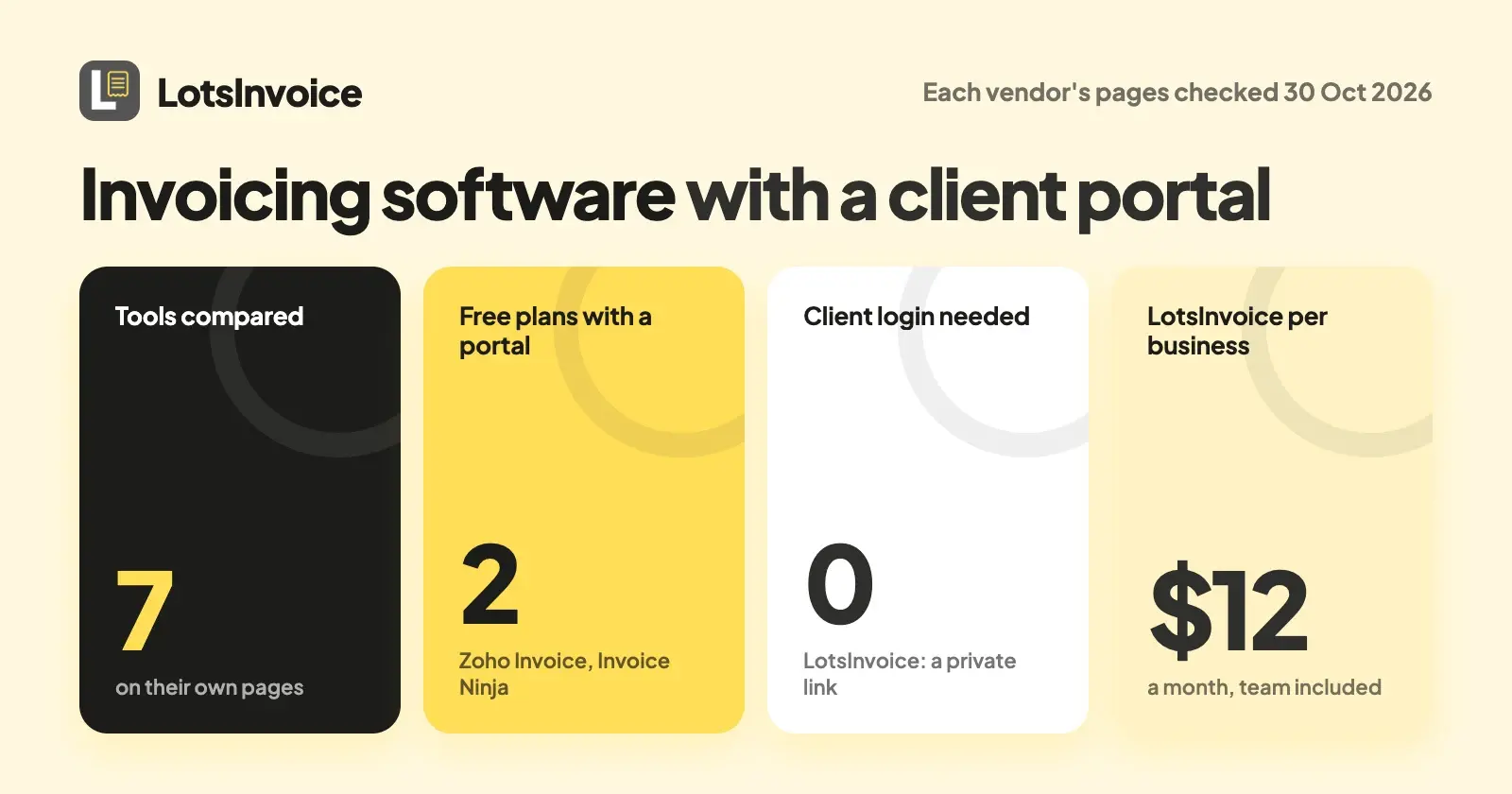
If you want clients to open one private page with their invoices, balance and how to pay, LotsInvoice gives every client that page on every plan, with no login and no per-person charge, from $12 a month per business. Zoho Invoice and Invoice Ninja include a portal on their free plans. Everything below was checked on 30 October 2026 on each vendor's own pages.
A client portal means different things in different tools. In an invoicing tool it is the page where your client sees what you've sent, what they owe and how to pay. In a client-management suite it is a whole workspace with files, messages and project status. I compared seven tools on what clients can actually do there, what you need to set up, how clients get in and what the portal costs. Prices are US dollars, list prices only (no promotions).
Invoicing software with a client portal at a glance
| Tool | Portal available on | How clients get in | What clients do there | Price |
|---|---|---|---|---|
| LotsInvoice | Every plan | Private link in your email, no login | See documents, balance and statement, download PDFs, pay or see how to pay, tell you they've paid, accept estimates | $12 a month or $120 a year per business, team included |
| Zoho Invoice | Free plan | Not stated on its portal page | View quotes, invoices and timesheets, pay, download statements | $0 (2 users, 500 invoices a year, Zoho branding) |
| Invoice Ninja | Free plan | Magic link, no password | View and pay invoices, approve quotes, see statements | Free (5 clients); Pro $14 a month or $140 a year |
| FreshBooks | Lite, Plus, Premium | Emailed link, or a free client account | View, print and pay invoices; with an account, save payment details and pay several at once | Lite $23, Plus $43, Premium $70 a month |
| Bonsai | Essentials and up | Secure link, no account needed | Project status, files, invoices, messages | $25 a user a month ($19 billed annually) and up |
| HoneyBook | Starter and up | Not stated on its pricing page | Dedicated page for files and project details | Starter $29 a month, billed yearly |
| Moxie | Pro (white-label portal) | Login | Schedule meetings, sign proposals, pay invoices | Pro $20 a month billed annually, $25 monthly |
Checked on 30 October 2026 on each vendor's own pages.
1. LotsInvoice: a private page per client, on every plan
When you send a client their first document, LotsInvoice makes their private portal link and puts it in the email. Your client doesn't create an account or remember a password. The link is the access.
What your client sees:
- Documents. Every invoice, estimate and credit note you've sent, with number, dates, total, balance due and status. Drafts never appear.
- Statement. Opening balance, invoices, credit notes, payments and closing balance for the last 12 months, per currency.
- Balance due. What they owe you now.
- Pay. Connect your own payment account (Stripe or Razorpay) in Settings, Payment and each sent invoice gets a Pay button for its balance, with a deposit or part payments if you allow them. The money goes straight to your account, LotsInvoice adds no fee and never holds it, and the payment is recorded on the invoice with a receipt to your client. Your other options (bank details, a pay link, Zelle, a check address) appear under "Other ways to pay". Each invoice also has a short link at pay.lotsinvoice.com that opens just that invoice, with its PDF and the Pay button.
- I've sent payment. For payments made another way: a button that tells you they've paid. It doesn't mark the invoice paid; you record it when the money arrives.
- Leave a note. A short message that reaches you by email.
- Estimates. They accept with a typed name, or decline with a note.
What you control:
- See what they see. "View as customer" opens the portal exactly as your client sees it, without marking anything viewed.
- Different payment details for one client. Each invoice has a Payment details card. "Change for this invoice" shows other details, such as euro bank details for a client abroad, on that one document.
- Revoke a link. "New link" on the customer's page stops every earlier portal link for that client, including portal links in emails you already sent. A single invoice's short pay link is separate and isn't replaced.
- Reminders go out before and after the due date, in your words, with a View invoice button that opens the portal. They stop when the invoice is paid. The full detail is in Client Portal and Payment Reminders in LotsInvoice, Explained.
The price is per business: Starter $12 a month or $120 a year, Pro $29 or $290 for 5 businesses, Business $79 or $790 for 20. Invoices, estimates, customers and team members are unlimited inside a business, so your partner or bookkeeper joins as an editor or viewer at no extra cost. New accounts get free credits when they sign up, no card, enough to run one business for about a month. See pricing.
Where others fit better: the portal is a page for invoices, not a project workspace. It has no file sharing or message thread (notes reach you by email, and you reply from your own inbox), no custom portal domain, and LotsInvoice does no time tracking or accounting. If you want files and project status in the portal, Bonsai, HoneyBook or Moxie are built for that.
2. Zoho Invoice: a free portal with a two-user limit
Zoho Invoice's pricing page lists "a self-service customer portal" on its free plan. Its portal page says clients can see their quotes, invoices and timesheets in one place, and you get a notification when they view or pay an invoice. Clients can download or print a statement of accounts, make advance payments for projects and pay with a "pay now" button. The pricing page lists the limits: up to 2 users, 3 projects, 500 invoices a year and "Powered by Zoho Invoice" branding.
Choose it if you're a freelancer or two-person business who wants a portal at $0 and is comfortable with the caps and branding. More in LotsInvoice vs Zoho Invoice.
3. Invoice Ninja: a portal on the free plan, with payments built in
Invoice Ninja's pricing table shows a client-side invoice portal on every plan, including Free (5 clients). Its portal page says clients log in with a magic link, with no password, and can view invoices, pay through a gateway you connect, approve or reject quotes, download documents as PDFs and generate their own statement for any date range. A branded portal address comes on Pro ($14 a month, $140 billed annually, with unlimited clients), and a portal on your own subdomain and file attachments in the portal are on Enterprise, which is priced by account users.
Choose it if you want clients paying inside the portal and a free plan to start. More in LotsInvoice vs Invoice Ninja.
4. FreshBooks: a client account portal with accounting behind it
FreshBooks lists a client account portal on Lite, Plus and Premium. Its help centre says clients can view and print invoices, estimates and proposals from the emailed link and pay without an account. A free client account lets them save, view and comment on documents, store payment details and pay several outstanding invoices at once. Lite is $23 a month for 5 billable clients, Plus $43 for 50 and Premium $70 for unlimited, and each extra team member is $11 a month. There's a 30-day free trial with no card.
Choose it if you want bookkeeping and card payments in the same account as the portal.
5. Bonsai: a project portal that starts on Essentials
Bonsai puts the client portal on Essentials and above, priced per user: $25 a month, or $19 billed annually, for Essentials. Its portal page says clients reach it by a secure link without creating an account, and see project progress, files, invoices and contracts, with direct messaging and your logo and colours. Bonsai's pricing page lists white-label branding and a custom domain as features expected to be released in 2026.
Choose it if the portal should be a project hub with files and messages, not only invoices. More in Bonsai alternatives.
6. HoneyBook: a dedicated page for the whole client journey
HoneyBook lists a client portal on every plan, from Starter at $29 a month billed yearly, alongside proposals, contracts, invoices and payments. Its pricing page describes it as a dedicated page to access files and project details, and lists removing the "Powered by HoneyBook" label from emails, forms and the portal on higher plans.
Choose it if you sell services through proposals and contracts and want invoices inside that flow.
7. Moxie: a white-label portal on Pro
Moxie's pricing page lists a white-label client portal and custom domain on Pro, $20 a month billed annually ($240 a year) or $25 monthly. Its portal page says clients can schedule meetings, collaborate on projects, sign proposals and pay invoices from the portal, and are prompted to pay outstanding invoices after they log in. Starter, at $10 a month billed annually, doesn't list the portal on the pricing page.
Choose it if you want a branded workspace on your own domain for freelance clients.
Tools left out
Wave, Square Invoices, Harvest and Xero are not in the list because their pricing pages, read on 30 October 2026, don't mention a client portal.
For small studios and agencies
Every client gets their own portal link, so a studio with twenty clients has twenty private pages, each showing only that client's documents. The whole team can create and send from one business: the account manager, project lead, partner and bookkeeper join as editors or viewers with no per-person charge. When a client's finance team wants a PO number or a project code on each line, those are settings you make once and the portal shows the same invoice as the PDF. If a link goes to the wrong person, replace it with "New link". See where to put a PO number on an invoice and the best invoicing software for agencies and freelancers.
Which one should you pick?
- You want a simple private page per client, with your team included: LotsInvoice, $12 a month per business.
- You want a free portal: Zoho Invoice (2 users, 500 invoices a year) or Invoice Ninja's Free plan (5 clients).
- You want clients to log in with a magic link and pay in the portal: Invoice Ninja.
- You want bookkeeping and the portal together: FreshBooks.
- You want files, messages and project status with the invoices: Bonsai, HoneyBook or Moxie.
Try LotsInvoice's portal from your AI assistant
LotsInvoice works with the AI agent you already use, when you want it. Connect it at lotsinvoice.com/mcp and ask:
Read https://lotsinvoice.com/skill.md. For my customer Example Co, get their portal link and list the invoices they would see with the balance on each. Don't send anything.
The dashboard shows the same page: open the customer, then Customer portal.
FAQ
What is a client portal in invoicing software?
It's a private page where your client sees the invoices you've sent, what they owe and how to pay you. Some tools stop there, like LotsInvoice. Others add files, messages, contracts and project status, like Bonsai, HoneyBook and Moxie.
Does my client need an account for the LotsInvoice portal?
No. Your client opens the private link in your email and sees their documents, balance, statement and how to pay, with no sign-up or password. Anyone with the link can see that client's documents, so you can replace it with "New link" and every earlier portal link stops working.
Which invoicing software has a free client portal?
Zoho Invoice lists a self-service customer portal on its free plan, and Invoice Ninja's pricing table shows a client portal on its Free plan, which covers up to 5 clients. LotsInvoice has no free plan; new accounts get free credits when they sign up, no card, enough to run one business for about a month. Checked on 30 October 2026.
Can clients pay inside the LotsInvoice portal?
Yes, when you connect your own payment account in Settings, Payment: each sent invoice gets a Pay button for its balance, with a deposit or part payments if you allow them. The money goes to your account, your payment provider's usual fees apply and LotsInvoice adds none. Your other options, such as bank details or Zelle, show under "Other ways to pay".
Can I see whether my client opened the invoice?
Yes. The invoice shows as viewed when your client opens it. You see that it was opened and when, not how many times.
Can I brand the portal or put it on my own domain?
The portal shows your logo, business name and accent colour. It has no custom domain. Invoice Ninja (Enterprise) and Moxie (Pro) list a portal on your own domain.
Sources
Checked on 30 October 2026:
- LotsInvoice: lotsinvoice.com, pricing, AI assistants, skill.md, API docs, tool list, and the product's portal and payment code.
- Zoho Invoice: pricing, customer portal
- Invoice Ninja: pricing, client portal
- FreshBooks: pricing, how client accounts work
- Bonsai: pricing, client portal
- HoneyBook: pricing
- Moxie: pricing, client portal
- Wave pricing, Square pricing, Harvest pricing, Xero pricing (no portal mentioned)