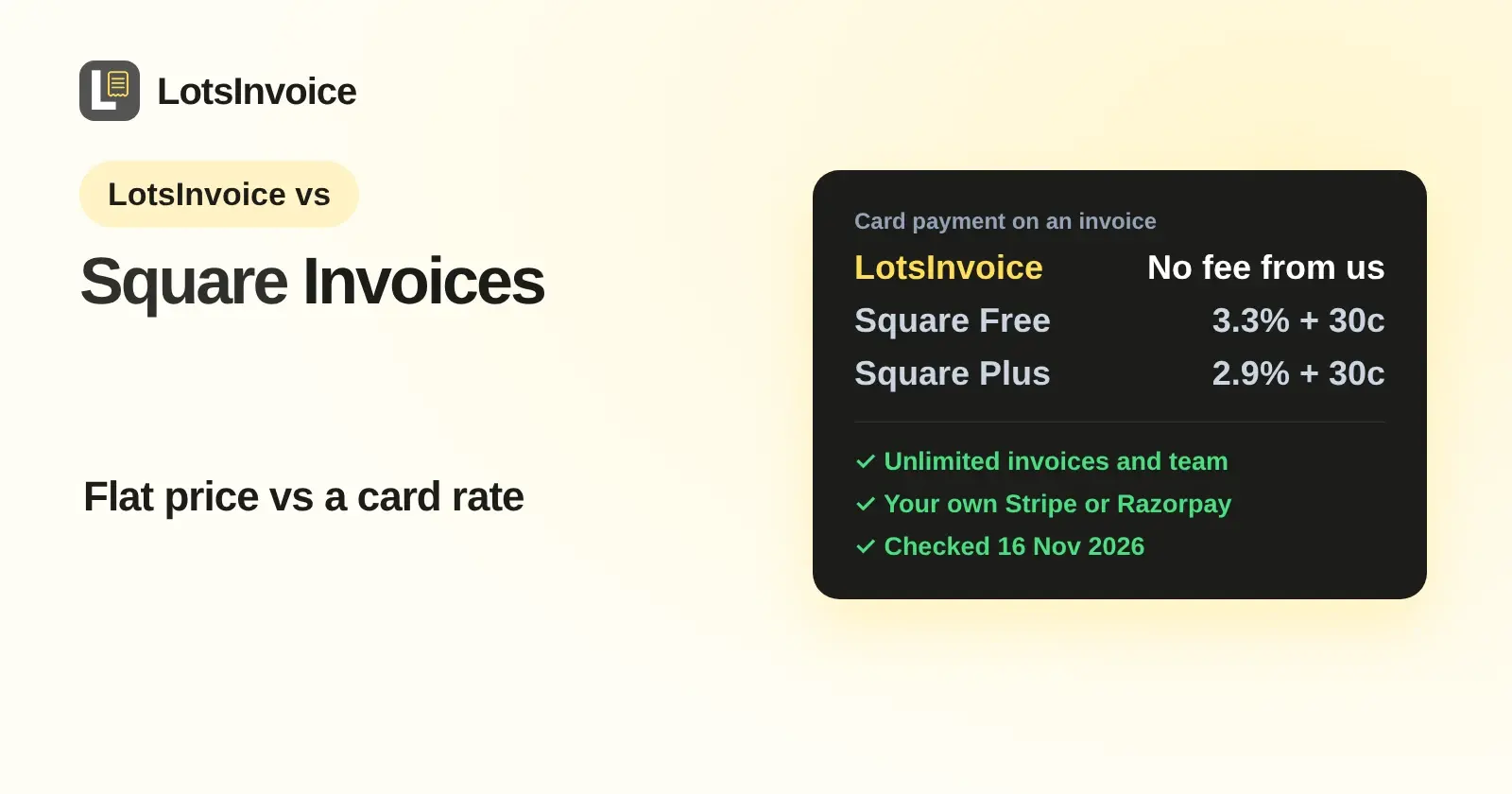
LotsInvoice vs Square Invoices comes down to how you want to pay for getting paid. LotsInvoice is $12 a month per business ($120 a year) and adds no fee to any payment, so your clients pay straight into your own Stripe or Razorpay account. Square Invoices is included in a $0 Square Free plan, but its page lists 3.3% + 30¢ on every card payment on an invoice, and 2.9% + 30¢ once you pay $49 a month per location for Square Plus. I'm the founder of LotsInvoice, so read this knowing I built one of the two.
The short version
- Pick LotsInvoice if you bill clients regularly, want a flat price with the whole team included, and want invoices in your client's currency with a layout you control.
- Pick Square Invoices if you already take card payments in person with Square, want contracts with e-signature next to your invoices, or want a $0 plan with no monthly price.
Side by side
| LotsInvoice | Square Invoices | |
|---|---|---|
| What you pay for | The business you invoice from | A Square plan: Free $0, Plus $49, Premium $149 a month per location |
| Invoices | Unlimited on every plan | Unlimited, per Square's pricing page |
| Card payment on an invoice | No fee from LotsInvoice. Your own Stripe or Razorpay rate applies | 3.3% + 30¢ on Square Free, 2.9% + 30¢ on Plus and Premium |
| Bank transfer (ACH) | No fee from LotsInvoice. Bank details, Zelle or a pay link also work | 1% with a $1 minimum, capped at $10 on Plus and Premium |
| Clients abroad | No fee from LotsInvoice | 1.5% extra on cards issued outside the US |
| Invoice currency | Each client in their own currency | Square's invoices page says it does not support multi-currency acceptance today |
| Estimates | Unlimited, accepted by typing a name, one click to invoice | Estimates on every plan |
| Recurring and reminders | Weekly, monthly or yearly, and reminders that stop when paid | Daily, weekly, monthly or yearly, and automatic reminders |
| Team | Unlimited team members, editor or viewer | Not stated on the pages I read |
| Contracts and e-signature | No | Yes, on the invoices pages |
| In-person card payments | No | Yes, with Square hardware or Tap to Pay |
Checked on 16 November 2026 on Square's invoices pricing page and Square's invoices page, US site, US dollars, list prices. Plus and Premium offer a 30-day trial on Square's own FAQ. Square's prices and fees can change, so confirm them before you decide.
Where LotsInvoice wins
No fee on top of your payment provider. LotsInvoice never holds or moves your money. You connect your own Stripe or Razorpay account, switch on online payment, and every sent invoice gets a Pay button for its balance. Your payment provider's usual fees apply and LotsInvoice adds nothing. On Square, the card rate is part of the invoice, so a $2,000 invoice paid by card costs $66.30 on Square Free and $58.30 on Plus, before any monthly plan fee. I laid out the fees of the main invoicing tools side by side in what Stripe, PayPal, Square and Bonsai take from every paid invoice.
A flat price that follows your businesses, not your locations or your headcount. Starter is $12 a month or $120 a year for one business, Pro is $29 or $290 for five, and Business is $79 or $790 for twenty. If you don't want a plan, pay as you go is $15 per business a month. New accounts start with free credits and no card. The whole breakdown is in LotsInvoice pricing explained.
Invoices in your client's currency. Square's invoices page says it does not support multi-currency acceptance today. LotsInvoice lets you bill each client in their own currency, with the right symbols and decimals. I wrote up the setup in how to invoice a client in another currency.
An invoice that looks the way your client or accountant wants. You can rename, reorder, hide or add columns, add item codes and custom fields, use several taxes per line, and pick one of nine designs. Sent invoices lock, and you correct them with a revision, a credit note or a void, as I describe in how to correct a sent invoice.
Client portal and reminders on every plan. Your client gets a private portal link, you see when they open it, and reminders follow up on your schedule and stop when the invoice is paid. See client portal and payment reminders in LotsInvoice.
Where Square Invoices is strong
Square is a payments and point of sale company, and its invoicing sits inside that. Per its pages, you can take cards in person and online, accept Apple Pay, Google Pay, Cash App Pay, ACH and Afterpay, and send invoices by email, text or link. It offers contracts with e-signature, projects, deposits, and, on Plus, payment schedules and custom invoice templates, and integrations with QuickBooks Online and Xero. If you already run a Square reader at the counter, having invoices in the same account is a real convenience, and a $0 plan is hard to ignore.
What LotsInvoice does not do
LotsInvoice is invoicing, not an all-in-one: no point of sale, no card readers, no contracts or e-signature, no payroll and no accounting ledger. If you need those, Square covers more ground. If you only need to invoice well and get paid without a fee layered on top, that is what I built LotsInvoice for.
Which one should you choose?
If most of your money arrives in person and you want one system for the counter and the invoice, Square is the natural fit. If you invoice clients, especially in more than one currency, and want a flat monthly price with your own payment account, I'd pick LotsInvoice. You can compare it with a payment-processor invoicing tool in LotsInvoice vs Stripe Invoicing, or see my estimate and invoice software roundup. Current plans are on the LotsInvoice pricing page.
FAQ
Is Square Invoices really free?
Square Free costs $0 a month, and Square's pricing page lists invoices and recurring invoices on every plan. You pay processing fees when a client pays: 3.3% + 30¢ per card payment on an invoice on Square Free. Checked on 16 November 2026.
Does LotsInvoice charge a fee on payments?
No. LotsInvoice adds no fee. Clients pay into your own Stripe or Razorpay account, or by bank transfer, Zelle or another option you show, and your payment provider's usual fees apply.
Does Square Invoices support multiple currencies?
Square's invoices page says that Square does not support multi-currency acceptance today. LotsInvoice lets you invoice each client in their own currency. Checked on 16 November 2026.
Can I use LotsInvoice to take card payments in person?
No. LotsInvoice is for invoices, estimates and online payment of invoices. For in-person card payments, Square is built for that.
Can my team use LotsInvoice?
Yes. Invite team members to a business as an editor or a viewer, with no limit on how many. Only the owner can connect a payment account, turn online payment on or off, or refund a payment.
What does LotsInvoice cost?
Starter is $12 a month or $120 a year for 1 business, Pro is $29 or $290 for 5, and Business is $79 or $790 for 20. Pay as you go is $15 per business a month. Prices are in USD.