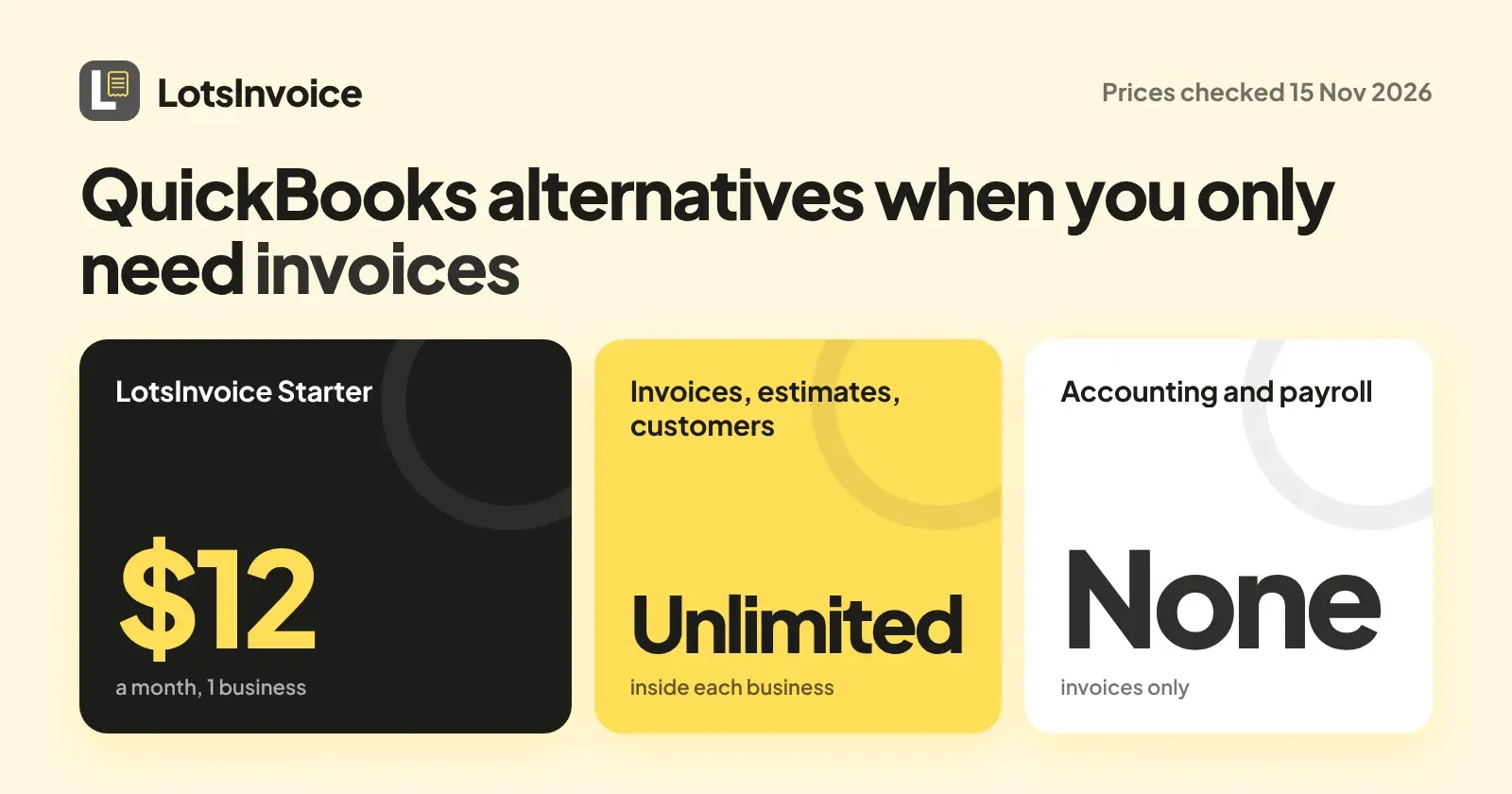
If you only need invoices, with no payroll and no accounting, the simplest move is a tool that does invoices and nothing else. I built LotsInvoice for exactly that, so that is my pick: it is $12 a month or $120 a year for one business, with unlimited invoices, estimates and customers inside it. If you want a free plan instead, Wave, Zoho Invoice and Invoice Ninja each have one, with different limits. Prices below were read on each company's own page on 14 November 2026.
I'm the founder of LotsInvoice, so weigh my pick accordingly and check the table yourself. Everything about other companies comes from their own pages, opened that day.
Do you need QuickBooks just to send invoices?
QuickBooks is accounting software with invoicing inside it. Its invoicing page talks about bookkeeping, payments, estimates, recurring invoices and an optional payroll step, and its pricing page lists these plans (Checked on 14 November 2026 on quickbooks.intuit.com/pricing):
- Free: $0 a month. The page says you can send 2 invoices per month, or unlimited invoices if you qualify for and enable QuickBooks Payments.
- Simple Start: $38 a month, 1 user.
- Essentials: $85 a month, 3 users.
If you run the books in QuickBooks, that is a fair package, and sending invoices from the same place your bookkeeping lives is a real strength. If your accountant or another tool already handles the books and you just want clean invoices that get paid, you are paying for a lot you will not open. That is the gap the alternatives below fill. I left out QuickBooks promotional discounts and its payment processing rates, because neither is a plan price.
What LotsInvoice does, and what it does not
For business owners, freelancers and consultants who invoice their own clients, LotsInvoice covers the invoice from start to finish:
- Your logo, colours, numbering, columns and one of nine designs, with a preview of the real PDF before anything goes out.
- Totals calculated to the cent, with several named taxes per line if you need them.
- A client email with the PDF and a private portal link, reminders before and after the due date that stop when the invoice is paid, and a view of when the client opened it.
- Estimates the client accepts by typing their name, converted to an invoice in one click, plus recurring invoices and credit notes.
- Reports for who owes what, revenue, tax collected and payments, with CSV export for your accountant.
- Any currency, unlimited team members, and a client portal.
LotsInvoice does no accounting, payroll, contracts, scheduling or time tracking, and it is not trying to. If you need any of those, pair it with a tool built for the job or pick an accounting suite from the list below.
On payments, clients pay you directly. Connect your own Stripe account for a Pay button on each invoice, or show bank details, a pay link, Zelle or a mailing address for checks. LotsInvoice never holds your money and adds no fee on top of your payment provider's.
Pricing is per business you invoice from (one company or trading name), and everything inside a business is unlimited. Pay as you go works without a plan at $15 per business a month. New accounts start with free credits, no card needed. The full breakdown is in LotsInvoice Pricing Explained.
Invoice-only options side by side
Checked on 14 November 2026, each on the company's own page, in USD.
| Tool | Plan shown | Price and billing period | Worth knowing |
|---|---|---|---|
| LotsInvoice | Starter | $12 a month or $120 a year | 1 business, unlimited invoices, estimates, customers and team members; no accounting, payroll, contracts, scheduling or time tracking |
| LotsInvoice | Pay as you go | $15 per business a month | No plan needed |
| QuickBooks | Free | $0 a month | 2 invoices per month, or unlimited with QuickBooks Payments enabled |
| QuickBooks | Simple Start | $38 a month | 1 user, includes accounting |
| Wave | Starter | $0 | Unlimited estimates, invoices, bills and bookkeeping records |
| Wave | Pro | $19 a month billed monthly, or $190 a year | Adds more features on top of Starter |
| Zoho Invoice | Free | $0, described as forever-free | Up to 2 users, 3 projects, 500 invoices a year, "Powered by Zoho Invoice" branding |
| Invoice Ninja | Free | $0 | Up to 5 clients with unlimited invoicing |
| Invoice Ninja | Ninja Pro | $14 a month billed monthly, or $140 billed annually | Unlimited clients and invoices |
| FreshBooks | Lite | $23 a month | Invoices to 5 clients |
| FreshBooks | Premium | $70 a month | Invoices to unlimited clients |
The others in a few lines
Wave. Wave Starter is $0 and its page lists unlimited estimates, invoices, bills and bookkeeping records. Wave is accounting software too, so it suits you if you want free bookkeeping next to your invoices. Pro is $19 a month billed monthly or $190 a year. I have a longer look in Wave alternatives for agencies and freelancers.
Zoho Invoice. The page describes a forever-free plan with up to two users, three projects and 500 invoices a year, plus "Powered by Zoho Invoice" branding on what you send. If you send fewer than 500 invoices a year, that is a lot of tool for $0.
Invoice Ninja. The Free plan allows up to 5 clients with unlimited invoicing. Ninja Pro is $14 a month billed monthly and the page says it unlocks unlimited clients and removes the "Created by Invoice Ninja" line. A good fit if you want a free start and a path to unlimited clients.
FreshBooks. FreshBooks prices by how many clients you invoice: Lite is $23 a month for 5 clients and Premium is $70 a month for unlimited clients, and the higher plans include accounting reports. Strong if you want accounting and invoicing together and your client count is small.
Invoice Simple blocked my request when I tried to read its pricing page, so I left it out rather than quote it from memory.
Which one fits you
- You want invoices and nothing else, with no caps: LotsInvoice. One price per business, unlimited everything inside.
- You want your books and invoices in one place: QuickBooks, Wave or FreshBooks, depending on budget.
- You send a few invoices a month and want to pay nothing: Wave Starter, Zoho Invoice or Invoice Ninja Free, within their limits.
Quotes and deposits belong to the same job. I wrote up how estimates become invoices in LotsInvoice, and if you are weighing a tool that caps how many invoices you can send, read LotsInvoice vs Invoice Simple. For a wider list that includes estimates, see The Best Estimate and Invoice Software.
FAQ
Can I just use QuickBooks Free for invoices?
QuickBooks lists a Free plan at $0 a month. Its page says you can send 2 invoices per month, or unlimited invoices if you qualify for and enable QuickBooks Payments. If you send more than two a month and do not want to use QuickBooks Payments, you need a different plan or a different tool. Checked on 14 November 2026.
What is the simplest QuickBooks alternative for invoices only?
A tool that does invoices, estimates, customers and reminders and nothing else. I built LotsInvoice for that: it has no accounting, payroll, contracts, scheduling or time tracking, and it costs $12 a month or $120 a year for one business.
Does LotsInvoice replace my bookkeeping?
No. LotsInvoice does not do accounting, payroll, contracts, scheduling or time tracking. It produces the invoices and reports (aging, revenue, tax collected, payments) and exports them as CSV, so your accountant or bookkeeping tool can use them.
Which QuickBooks alternatives have a free plan?
On their own pages today: Wave Starter ($0), Zoho Invoice ($0, up to 500 invoices a year) and Invoice Ninja Free (up to 5 clients, unlimited invoicing). QuickBooks also lists a Free plan at $0 a month. Checked on 14 November 2026.
How many invoices can I send on LotsInvoice?
As many as you need. Invoices, estimates, credit notes, customers, items, templates and team members are unlimited inside each business, on every plan. You pay per business you invoice from.
Can clients pay my LotsInvoice invoices online?
Yes. Connect your own Stripe account and switch on online payment, and each sent invoice gets a Pay button for its balance. You can also show bank details, a pay link, Zelle or a mailing address for checks. LotsInvoice never holds your money and adds no fee of its own.
You can see every plan and check the prices at lotsinvoice.com/pricing.