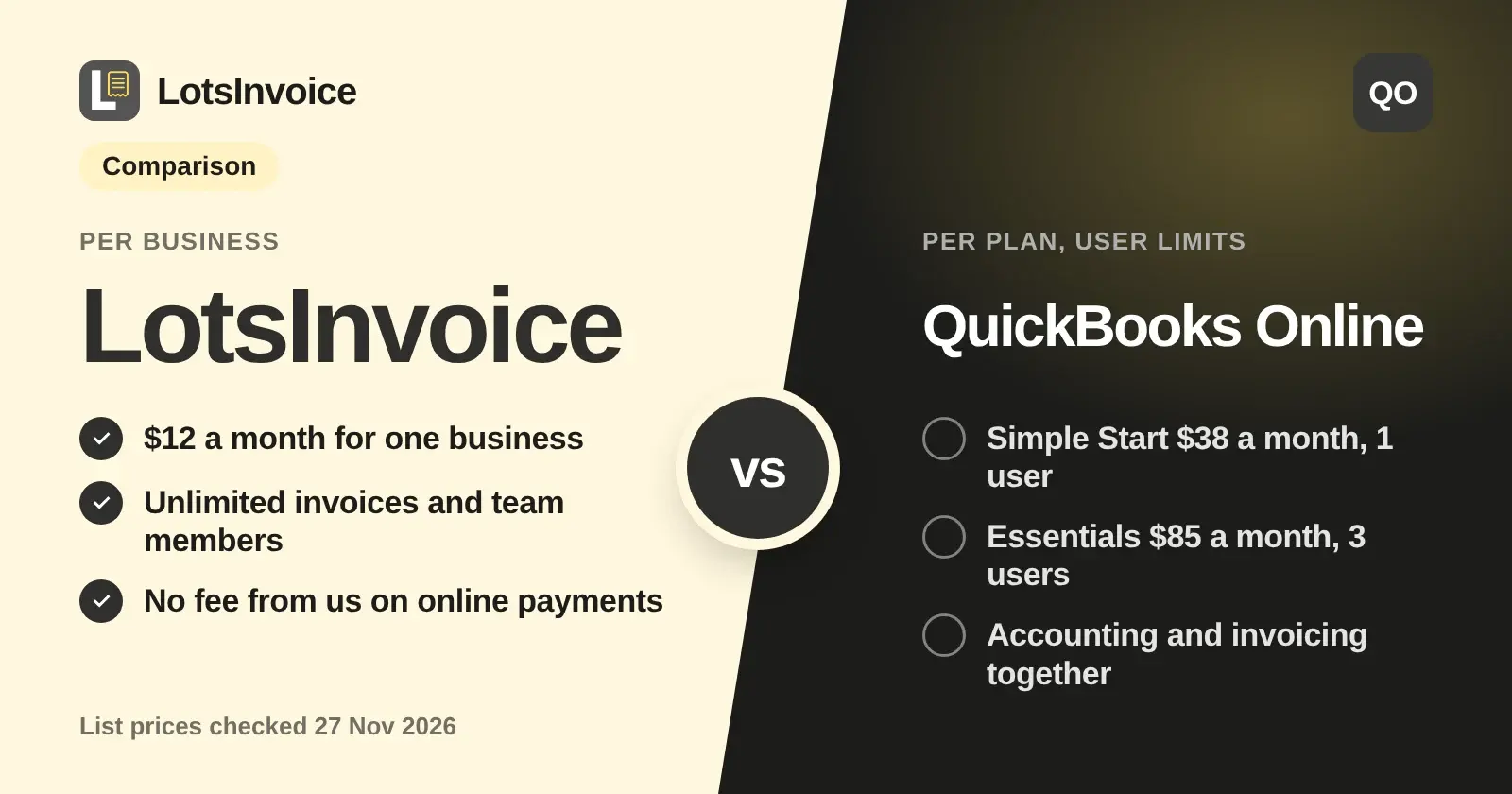
If invoicing is the job, LotsInvoice costs less and does more of the invoice itself: $12 a month for one business with unlimited invoices and unlimited team members, against $38 a month for one user on QuickBooks Online Simple Start. If you also want your bookkeeping, bank feeds and tax prep in the same place, QuickBooks Online is the broader tool, because it is accounting software with invoicing built in. I'm the founder of LotsInvoice, so I built one of the two. Everything about QuickBooks below comes from Intuit's own pages, checked on 27 November 2026.
The short version
- Pick LotsInvoice if your accountant or another tool already keeps the books and you want exact invoices, estimates, a client portal and reminders, in any currency, with your whole team included in one flat price per business.
- Pick QuickBooks Online if you want invoicing to live inside your accounting: bank connections, expense categories, profit and loss, sales tax and payroll in one product.
QuickBooks Online plans and what each one means for invoicing
Intuit's pricing page lists these list prices (Checked on 27 November 2026 on quickbooks.intuit.com/pricing and the QuickBooks Free page):
| QuickBooks plan | List price | Users | Invoicing on this plan |
|---|---|---|---|
| Free | $0 a month | 1, no accountant access | 2 invoices a month, or unlimited if you qualify for and enable QuickBooks Payments; 1 estimate a month |
| Lite | $20 a month | 1, no accountant access | Unlimited invoices |
| Simple Start | $38 a month | 1, plus access for 2 accountants | Invoice and get paid with QuickBooks Payments, status updates and reminders |
| Essentials | $85 a month | 3, plus 2 accountants | Adds employee time on invoices |
| Plus | $140 a month | 5, plus 2 accountants | Adds progress invoicing |
| Advanced | $340 a month | 25, plus 3 accountants | Adds batch invoices and custom user permissions |
On the day I checked, Intuit was running a Black Friday offer of 70% off for 3 months, ending 29 November. I used the list prices because that is what you pay after the offer ends. Each plan also bundles accounting: bookkeeping, bank connections and reports, which is what most of the price is for.
LotsInvoice vs QuickBooks Online side by side
| LotsInvoice | QuickBooks Online | |
|---|---|---|
| What it is | Invoicing: invoices, estimates, recurring invoices, credit notes, client portal, reminders | Accounting software with invoicing, payments and optional payroll |
| Price | Starter $12 a month or $120 a year (1 business), Pro $29 or $290 (5), Business $79 or $790 (20); pay as you go $15 per business a month | Free $0, Lite $20, Simple Start $38, Essentials $85, Plus $140, Advanced $340 a month |
| What you pay for | Each business you invoice from | Each plan, with a user limit |
| Team | Unlimited team members on every plan | 1 user on Free, Lite and Simple Start; 3 on Essentials; 5 on Plus; 25 on Advanced |
| Invoice limits | Unlimited invoices, estimates and credit notes on every plan | Free: 2 invoices and 1 estimate a month unless you enable QuickBooks Payments; Lite lists unlimited invoices |
| Online payments | Your own Stripe or Razorpay account; LotsInvoice adds no fee | QuickBooks Payments: cards and digital wallets 2.99%, ACH 1% per transaction on Intuit's rates page |
| Other ways to pay | Bank details, ACH, Zelle, UPI, a PayPal, Venmo, Square or Stripe pay link, check by mail | Cards, ACH, Apple Pay, PayPal, Venmo, Affirm on invoices |
| Estimates | Client accepts by typing their name, one click to invoice | Convert accepted estimates to invoices; progress invoicing on Plus and Advanced |
| Recurring and reminders | Weekly, monthly or yearly; reminders stop when paid | Recurring invoices daily, weekly, monthly or yearly; automated payment reminders |
| Invoice layout | Nine designs, your columns, item codes, several named taxes per line | Templates with your logo and colors |
| Accounting, bank feeds, payroll | No | Yes |
QuickBooks facts checked on 27 November 2026 on Intuit's pricing page, QuickBooks Free page, invoicing page, estimates page and payment rates page, US site, US dollars. Intuit's rates page says its rates are accurate as of 18 September 2026 and that businesses processing over $2,500 a month can call about up to 25% off.
Where LotsInvoice wins
Your team costs nothing extra. This is the biggest practical difference. On QuickBooks Online, Simple Start is one user, so the moment a partner, office manager or bookkeeper needs their own login to send invoices, you are looking at Essentials at $85 a month for three users or Plus at $140 for five. In LotsInvoice, invoices, estimates, customers, templates and team members are unlimited inside every business, on every plan. A three person team invoicing from one business pays $12 a month on Starter, or $120 a year. Invite people as editors or viewers and remove them whenever you like.
You pay per business, not per seat. If you invoice from more than one company or trading name, Pro covers five businesses for $29 a month and Business covers twenty for $79 a month, each with its own logo, numbering, taxes and payment details. The full breakdown is in LotsInvoice pricing explained. Pay as you go works with no plan at $15 per business a month, and new accounts start with free credits, no card needed.
No fee from us on payments. LotsInvoice never holds or moves your money. Connect your own Stripe or Razorpay account, switch on online payment, and every sent invoice gets a Pay button for its exact balance. The payment is recorded on the invoice by itself and your client gets a receipt. Your provider's usual fees apply and LotsInvoice adds nothing on top. You can also show bank details, Zelle, UPI, a pay link or a mailing address for checks, and record those payments when they arrive. QuickBooks routes online invoice payments through QuickBooks Payments at the rates in the table. If you want the numbers side by side across providers, I worked through them in what Stripe, PayPal, Square and Bonsai take from every paid invoice, and the setup is in how clients pay you with LotsInvoice.
The invoice comes out exactly the way you set it up. You set your business up once: logo, colors, one of nine designs, the columns you want (rename, reorder, hide or add them), item codes, numbering and several named taxes on one line. From then on every invoice is calculated to the cent on our side, and you check it in a preview of the real PDF before anything goes out. Sent invoices are numbered and locked, so a change is a revision with a reason or a credit note, and your history always adds up. I explain that flow in how to correct a sent invoice.
Each client in their own currency. Customers keep their own terms, currency and tax IDs, and you can show the total in your currency at a stated rate. More in how to invoice a client in another currency.
A client portal and reminders on every plan. Your client gets the PDF and a private portal link where they can see their documents and balance, pay, and accept estimates by typing their name. You see when they opened it, and reminders go out before and after the due date on your schedule and stop when the invoice is paid. See client portal and payment reminders in LotsInvoice and estimate to invoice in LotsInvoice.
Reports your accountant can use. Who owes what (by age), revenue, tax collected and payments received, with CSV export, and you can export all your data whenever you want. If your accountant keeps the books in QuickBooks or anything else, they get clean numbers from you without you paying for a second accounting seat.
Where QuickBooks Online is strong
QuickBooks Online is a full accounting product, and its pages show it. Paid plans connect your bank, categorize income and expenses automatically, and run profit and loss and other reports. Intuit's Payments AI drafts reminders, Essentials adds employee time on invoices and lead forms, Plus adds progress invoicing, budgets, project profitability and inventory, and Advanced adds batch invoicing, custom user permissions and workflows. Payroll is an optional add on, accountants get their own access on paid plans, and when customers pay through QuickBooks the payment is recorded and matched in your books. If you want invoices and bookkeeping in one product, that is real value, and QuickBooks Free and Lite are inexpensive ways to start for a solo owner.
LotsInvoice is built for invoicing
LotsInvoice does one job: quotes, invoices, reminders and getting paid, for every business you run, with your whole team on it. Your books stay in the accounting tool your accountant prefers; LotsInvoice exports its reports as CSV for them. If you want invoices and bookkeeping in a single product, QuickBooks Online keeps everything in one place.
What it costs for a real setup
Here is the plan you would need for a few common setups, using list prices on 27 November 2026:
| Your setup | LotsInvoice | QuickBooks Online |
|---|---|---|
| Solo, one business, a handful of invoices a month | Starter, $12 a month | Free at $0 if 2 invoices a month is enough or you use QuickBooks Payments; Lite at $20 for unlimited invoices |
| One business, 3 people sending invoices | Starter, $12 a month | Essentials, $85 a month |
| One business, 5 people sending invoices | Starter, $12 a month | Plus, $140 a month |
The QuickBooks column includes accounting and the LotsInvoice column does not, so this is only a fair comparison if your books are handled somewhere else.
Which one should you choose?
If you run your books in QuickBooks Online and invoice from the same place, staying there is reasonable, and its invoicing covers estimates, recurring invoices and reminders. If your accountant handles the books, you have more than one person sending invoices, or you invoice from more than one business, I'd pick LotsInvoice: invoices that come out exact, your own payment account, and a price that does not grow with your team.
If you are still deciding, my QuickBooks invoicing alternatives for small businesses that only need invoices compares more options, and LotsInvoice vs Wave covers another accounting tool with invoicing inside. Current plans are on the LotsInvoice pricing page.
FAQ
Is LotsInvoice cheaper than QuickBooks Online for invoicing?
For one business, LotsInvoice Starter is $12 a month with unlimited invoices and unlimited team members. QuickBooks Online lists Lite at $20 a month and Simple Start at $38 a month for one user, and those plans include accounting. QuickBooks Free is $0 with 2 invoices a month unless you enable QuickBooks Payments. Checked on 27 November 2026.
How many users does QuickBooks Online include?
Intuit's pricing page lists 1 user on Free, Lite and Simple Start, 3 users on Essentials, 5 on Plus and 25 on Advanced, with accountant access on the paid plans from Simple Start up. LotsInvoice includes unlimited team members on every plan. Checked on 27 November 2026.
Can I send unlimited invoices on QuickBooks Free?
Intuit's pricing page says QuickBooks Free sends 2 invoices a month, or unlimited invoices if you qualify for and enable QuickBooks Payments. The Lite plan, $20 a month, lists unlimited invoices. Checked on 27 November 2026.
Does LotsInvoice charge a fee when clients pay online?
No. Clients pay into your own Stripe or Razorpay account and your provider's usual fees apply. LotsInvoice adds no fee and never holds your money. You can also show bank details, Zelle, UPI, a pay link or a check address.
Does LotsInvoice replace QuickBooks for accounting?
It works alongside your accounting. LotsInvoice makes the invoices, estimates and reports (who owes what, revenue, tax collected, payments) and exports them as CSV, so your accountant or accounting software can use them.
What does LotsInvoice cost?
Starter is $12 a month or $120 a year for 1 business, Pro is $29 or $290 for 5, and Business is $79 or $790 for 20. Pay as you go is $15 per business a month. Prices are in USD.