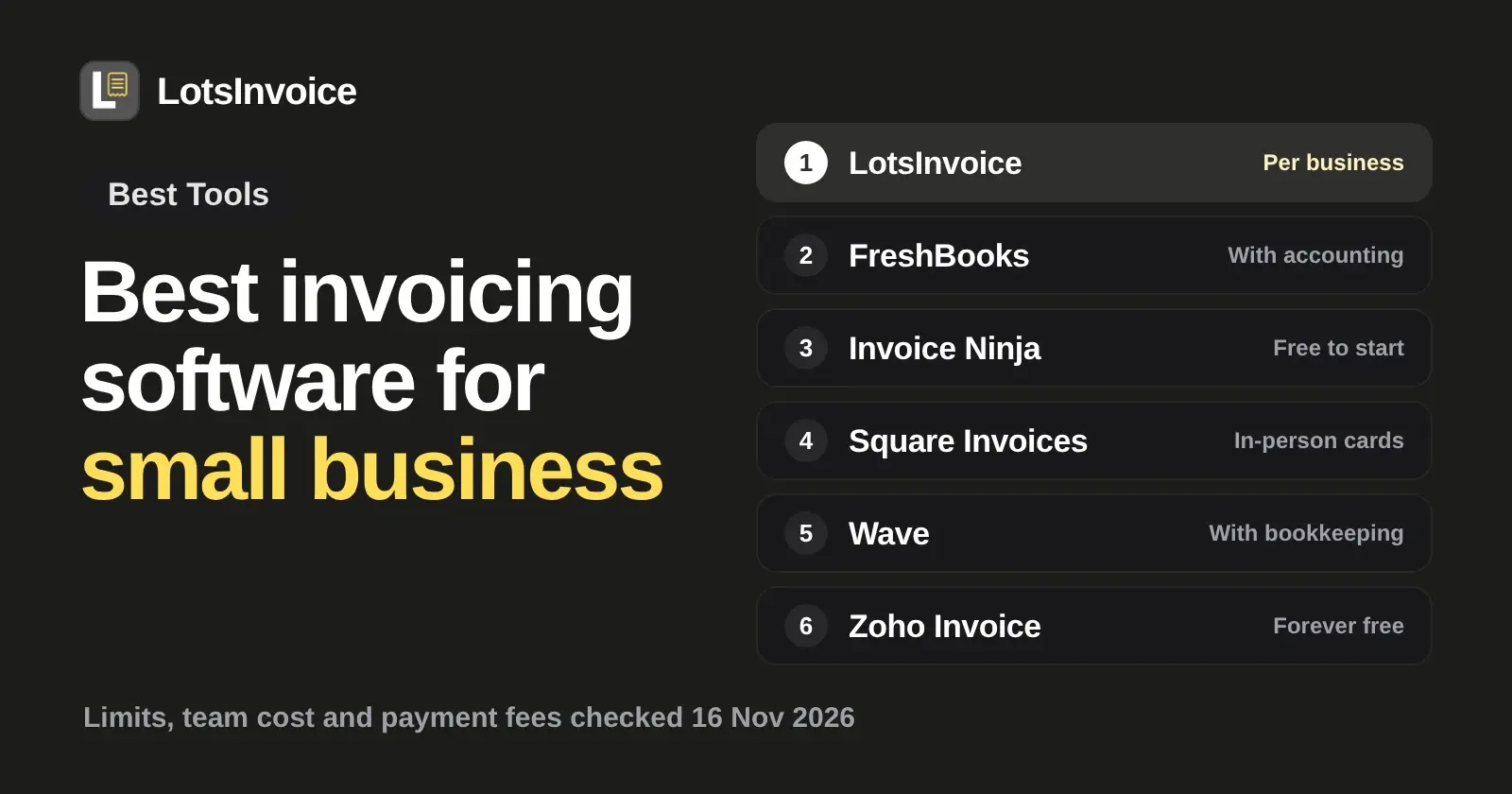
For a small business that mostly needs to send invoices and get paid, LotsInvoice is the tool I built for exactly that: unlimited invoices, customers and team members per business, from $12 a month or $120 a year. If you also want bookkeeping or a free plan, FreshBooks, Invoice Ninja, Square Invoices, Wave and Zoho Invoice each fit a different case, and I compare them below on what an invoicing tool actually costs you: invoice and client limits, team access, payment fees and what you pay for. Prices are from each vendor's own pages, checked on 16 November 2026.
I'm the founder of LotsInvoice, so I put mine first and list the rest alphabetically. This is not a ranking. My earlier list, the best estimate and invoice software, is about the quote-to-invoice flow. This one is about invoicing itself: sending, getting paid, and what the bill looks like as you grow.
What to look at when you pick invoicing software
Most small businesses pick on price, then get surprised by one of four things. A cap on clients or invoices. A price per user when a bookkeeper joins. A cut taken from every payment. Or a tool that is an accounting suite when all they needed was an invoice. So the table below uses those four.
Side by side
| Tool | Starting price | Limit to watch | Team access | Card payment fee |
|---|---|---|---|---|
| FreshBooks | Lite $23 a month | 5 clients on Lite, 50 on Plus, unlimited on Premium | Team members $11 a month per user | 2.9% + $0.30 per its pricing page FAQ |
| Invoice Ninja | Free $0, Pro $14 a month or $140 a year | 5 clients on Free, unlimited on Pro | Enterprise from $18 a month for 1 to 2 users | Depends on the gateway you connect |
| LotsInvoice | Starter $12 a month or $120 a year | None inside a business | Unlimited team members | None from LotsInvoice. Your provider's rate applies |
| Square Invoices | Square Free $0 | None stated on the pricing page | Not stated | 3.3% + 30¢ on Free, 2.9% + 30¢ on Plus ($49 a month per location) |
| Wave | Starter $0, Pro $19 a month or $190 a year | Unlimited invoices on Starter | Not stated on the pages I read | 2.9% + $0.60 on Starter, 2.9% + $0 on Pro |
| Zoho Invoice | $0 | Up to two organizations per account | Not stated on the pages I read | Depends on the gateway you connect |
Checked on 16 November 2026 on FreshBooks pricing, Invoice Ninja pricing, Square Invoices pricing, Wave pricing, Zoho Invoice pricing and lotsinvoice.com/pricing. US site, US dollars. Some vendors show promotional discounts on top of these prices.
LotsInvoice: one price per business, everything inside unlimited
I built LotsInvoice for small agencies, freelancers, consultants and service businesses that invoice their own clients regularly and want invoices that look right and add up, without an accounting suite.
- Unlimited inside a business. Invoices, estimates, credit notes, customers, items, templates, reminders and team members have no limit. The price follows the number of businesses you invoice from, not clients or seats.
- No cut taken. LotsInvoice never holds or moves your money. Connect your own Stripe or Razorpay account and each sent invoice gets a Pay button; you can also show bank details, a pay link, Zelle or a mailing address for checks. Your provider's usual fees apply and LotsInvoice adds nothing. See how clients pay you with LotsInvoice.
- Invoices that fit the client. Nine designs or a custom template, several taxes per line, any currency per client, sent invoices that lock and are corrected by revision, credit note or void.
- Follow-up built in. A client portal, reminders that stop when the invoice is paid, and recurring invoices weekly, monthly or yearly.
| Plan | Businesses | Monthly | Yearly |
|---|---|---|---|
| Starter | 1 | $12 | $120 |
| Pro | 5 | $29 | $290 |
| Business | 20 | $79 | $790 |
| Pay as you go | Per business | $15 per business a month, no plan needed |
New accounts get free signup credits, no card needed. LotsInvoice does not do bookkeeping, payroll, contracts or in-person card payments. The full price breakdown is in LotsInvoice pricing explained.
FreshBooks
FreshBooks is invoicing plus accounting. Its pricing page (checked on 16 November 2026) shows Lite at $23 a month for 5 clients, Plus at $43 for 50 clients and Premium at $70 for unlimited clients, with team members at $11 a month per user. All plans list credit and debit cards, ACH, Apple Pay, Google Pay and Buy Now, Pay Later, and the page's FAQ gives 2.9% + $0.30 for credit on FreshBooks Payments or Stripe. The page also shows promotional discounts for the first months; these are the regular prices. It suits you if you want accounting reports next to invoices and are fine with client limits on the lower plans. I compare it in LotsInvoice vs FreshBooks.
Invoice Ninja
Invoice Ninja's pricing page (checked on 16 November 2026) shows a Free plan with 5 clients and unlimited invoicing, including recurring invoices, deposits and partial payments, a client portal and online payments. Pro is $14 a month, or $140 billed annually, with unlimited clients, automatic late-payment reminder emails and reports. Enterprise starts at $18 a month for 1 to 2 users and adds more users and permissions. It is a strong pick if you want a free start, or want to tune a lot of settings yourself. I compare it in LotsInvoice vs Invoice Ninja.
Square Invoices
Square's pricing page (checked on 16 November 2026) lists invoices and recurring invoices, estimates and contracts, and projects on Square Free at $0 a month. The cost is in processing: 3.3% + 30¢ on a card payment on an invoice on Free, 2.9% + 30¢ on Plus ($49 a month per location) and Premium ($149), and ACH at 1% with a $1 minimum. Square's invoices page also says it does not support multi-currency acceptance today. It fits you if you already take card payments in person with Square. I wrote a full head-to-head in LotsInvoice vs Square Invoices.
Wave
Wave's pricing page (checked on 16 November 2026) shows Starter at $0 with "unlimited estimates, invoices, bills, and bookkeeping records", and Pro at $19 a month, or $190 billed annually, which adds automated late payment reminders and bank transaction import. Online payments are optional: 2.9% + $0.60 per credit card transaction on Starter and 2.9% + $0 on Pro. Wave includes bookkeeping, which I do not, so it fits if one free app for invoices and books is the goal. See LotsInvoice vs Wave.
Zoho Invoice
Zoho Invoice's page (checked on 16 November 2026) calls it a forever-free invoicing solution for small businesses. It lists tax-compliant invoices, automated payment reminders, recurring invoices, quotes, expenses, time logging, a customer portal and payment gateways, and its FAQ says you can have up to two organizations under one account. It suits you if free matters most and two businesses are enough. I compare it in LotsInvoice vs Zoho Invoice.
Which one should you choose?
- You bill steadily and want no caps and no cut: LotsInvoice.
- You want invoices plus accounting: FreshBooks or Wave.
- You want a free plan and will tune settings yourself: Invoice Ninja or Zoho Invoice.
- You take card payments in person: Square Invoices.
If you work alone, my guide to invoice software for freelancers covers free and paid options for that case.
FAQ
What is the best invoicing software for a small business?
It depends on what you need. For unlimited invoices with a flat price per business and no fee on payments, I built LotsInvoice. For invoicing with accounting, look at FreshBooks or Wave. For a free plan, look at Invoice Ninja, Wave or Zoho Invoice. Checked on 16 November 2026.
Is there free invoicing software for small businesses?
Yes. Wave Starter, Zoho Invoice, Invoice Ninja Free and Square Free are $0 a month according to their own pages. Some charge fees on online payments, and Invoice Ninja Free is limited to 5 clients.
Does LotsInvoice take a cut of my payments?
No. Clients pay into your own payment account or with the options you choose, and your payment provider's usual fees apply. LotsInvoice adds nothing.
What does LotsInvoice cost?
Starter is $12 a month or $120 a year for 1 business, Pro is $29 or $290 for 5, and Business is $79 or $790 for 20. Pay as you go is $15 per business a month. Prices are in USD.
Do I need accounting software to send invoices?
No. LotsInvoice, Invoice Ninja and Zoho Invoice are invoicing tools, and FreshBooks and Wave add accounting. Pick based on whether you want your books in the same app.
Can my team use LotsInvoice?
Yes. Invite team members to a business as an editor or a viewer, with no limit on how many.